
How to Export and Download Translated Video Captions (SRT & VTT)
Stop wasting hours manually transcribing and translating captions. Discover the seamless automated workflow to export localized SRT and VTT subtitle files.
TL;DR: Getting translated video captions shouldn't be a tedious manual copy-paste grind. By leveraging Braiv Dubbing, creators can transcribe, translate, and export localized caption files (SRT, VTT, and translated video clips) to their inbox on autopilot.
How do you download auto-translated video captions in SRT or VTT format?
To export localized subtitles, simply upload your video to Braiv Studio, let the AI automatically transcribe and translate the speech into your target languages, click the **Download** button in the top-right corner, tick the desired languages, and click **Download Selected Assets**. A secured direct link containing your SRT/VTT files and translated video assets will be sent straight to your email.
The Pain of Manual Caption Extraction and Translation
Subtitles and captions are no longer optional. With over 80% of mobile viewers watching social videos with sound off, burned-in subtitles and clean SRT files are critical to preventing high drop-offs and maintaining audience retention.
However, extracting, translating, and aligning captions across multiple languages is historically one of the most painful parts of the video post-production lifecycle. Traditional workflows look like this:
- Manually transcribing the audio into a master text file.
- Typing out timestamps to construct a baseline SubRip (SRT) or WebVTT (VTT) file.
- Hiring translator agencies or using static tools to translate line-by-line, which often destroys timestamp synchronization due to sentence-length variations.
- Copying and pasting translated segments back into text editors.
This tedious cycle is a massive barrier for creators trying to expand globally. To solve this, creators are shifting to automated caption translation and direct asset export pipelines. By automating the transcription-to-translation pipeline, you ensure perfect timestamp synchronization while reducing production times from days to seconds.
Step-by-Step Guide: Exporting Localized Subtitles with Braiv
Braiv Studio provides a simple, direct interface to manage, translate, and export your video assets. Here is how to download your translated captions and videos in just four easy steps.
1. Select Your Master Video
Log into your Braiv Studio dashboard and navigate to your Video Library. Choose the video asset you want to localize and export.
2. Access the Asset Download Panel
Once inside your video editor workspace, look at the upper-right hand side of your screen and click the DOWNLOAD button.
3. Choose Your Languages and Formats
The download interface will open. From here, you have complete control:
- Download All: Retrieve all generated files (all translated video versions, subtitle tracks, and audio files).
- Select Language: Tick only the specific languages you need for your active campaign (e.g., Spanish, Portuguese, or French).
- Once configured, click the DOWNLOAD SELECTED ASSETS button.
4. Direct Delivery to Your Inbox
After initiating the export, Braiv’s cloud rendering engine packages your selected assets. To prevent browser timeout errors, a secure download link containing your localized files will be sent directly to your registered account email.
Comparing the Top Caption Translators
To help you find the best tool for your video localization workflow, we analyzed how the top translation platforms handle caption exports.
1. Braiv Studio
Braiv handles the entire video packaging, localization, and direct auto-publishing cycle—acting as a complete automated workflow. Instead of just exporting plain text, Braiv automatically aligns subtitles with voice-cloned AI audio tracks and packages them together.
- Export formats: SRT, VTT, translated audio tracks, and fully dubbed MP4 videos.
- Workflow benefit: Perfect translation-timestamp alignment and secure multi-locale delivery on autopilot.
2. Rask AI
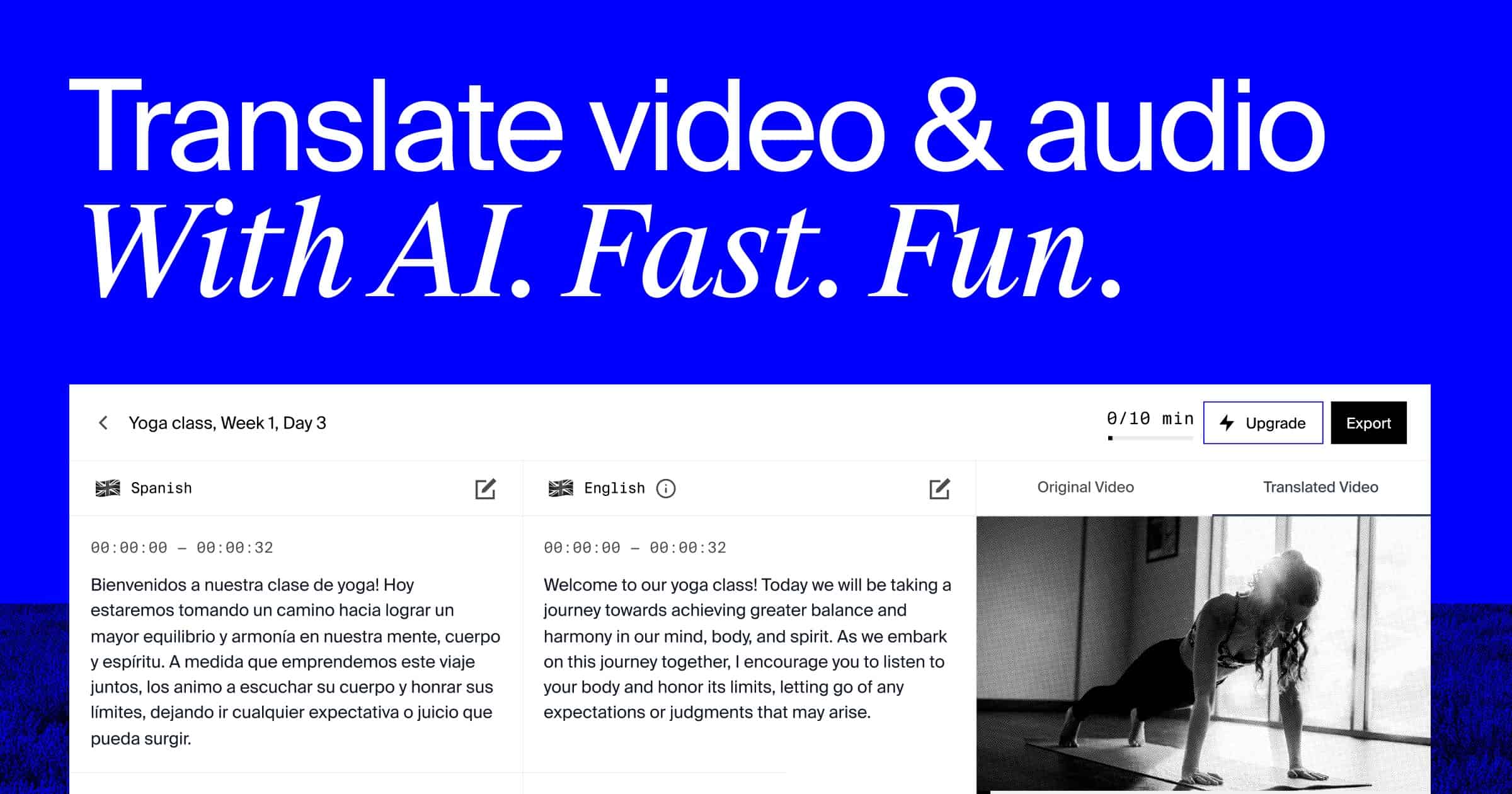
Rask AI is a well-known video dubbing and voice translation platform designed for content creators and localized business campaigns.
- Strengths: Highly accurate voice translation and support for a wide range of output languages.
- Weaknesses: Downloading multiple languages simultaneously can be slow, and the platform lacks direct, integrated multi-channel auto-publishing to YouTube.
3. Sonix
Sonix is a dedicated automated transcription, translation, and subtitle editor designed for speech-to-text workflows.
- Strengths: Very robust text editor for fine-tuning transcription errors, and extensive subtitle styling controls.
- Weaknesses: Sonix operates primarily as a text translation service. It does not generate voice cloned dubbing, has no video packaging tools, and cannot auto-publish your content to channels.
Harnessing the Power of Global Subtitles
Localized subtitles are the absolute lowest-hanging fruit in global growth.
- Drive SEO Rankings: Search engines index caption files, which means adding Spanish or Portuguese subtitles instantly makes your YouTube video searchable in those regions.
- Increase Onboarding Conversions: Pair your translated caption exports with interactive widgets on your landing pages to turn global impressions into active product signups.
- Save Time with Automation: Stop copying and pasting. Let AI automate the transcription and translation grind, and get your localized files delivered straight to your email.
Try Braiv Video Dubbing
Translate your content into 80+ languages with realistic AI voices.