
The VidIQ Alternative for Channels That Publish at Volume

How we stack up against VidIQ
| Feature | Braiv | VidIQ |
|---|---|---|
| Keyword & competitor research | Basic | Deep, category-leading |
| Browser extension over YouTube | | |
| AI title & description generation | | |
| Automated vertical clipping from long video | | |
| Multi-language dubbing | Up to 10 languages | |
| Thumbnail generation & CTR scoring | | Generation only |
| Native auto-publishing to TikTok & Reels | | |
| Connected channels | Unlimited on Business | Per-channel pricing |
Two different jobs
VidIQ is an analytics and research layer. It tells you which topics have room, which keywords are underserved, and how your channel compares with others in the niche. It does that better than we do, and its browser extension — stats overlaid directly on YouTube while you browse — has no equivalent in Braiv.
What it does not do is make anything. After VidIQ tells you to publish a video on a topic, in a format, with a particular title, you still have to cut the clips, write the captions, design the thumbnail, dub it for other markets and post it to five platforms.
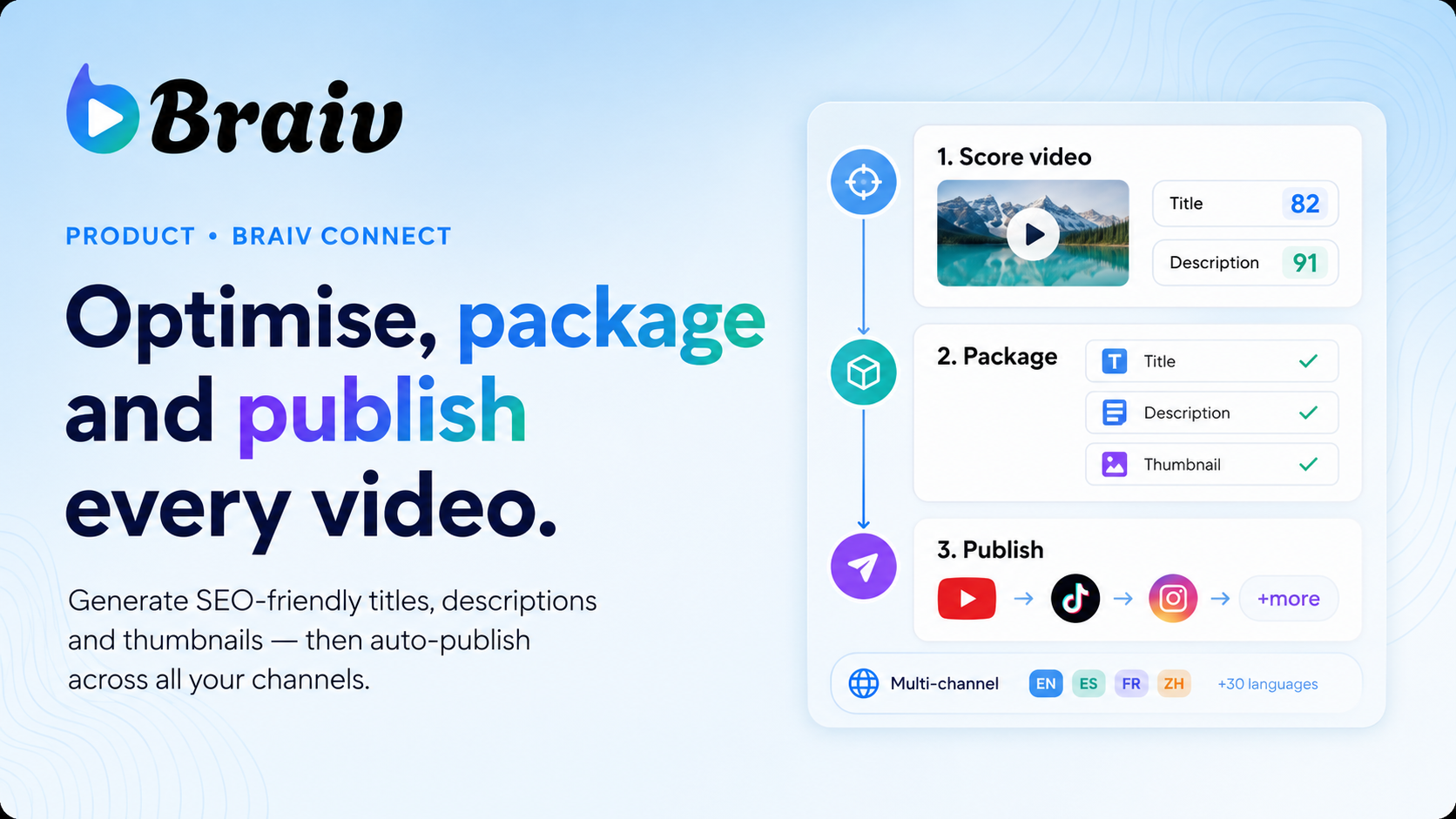
Braiv Connect is that second layer. It takes a finished long-form video and produces everything downstream of it.
What “production layer” actually means
Drop in a video and Braiv Connect will:
- Cut vertical clips for Shorts, TikTok and Reels, with styled captions burned in
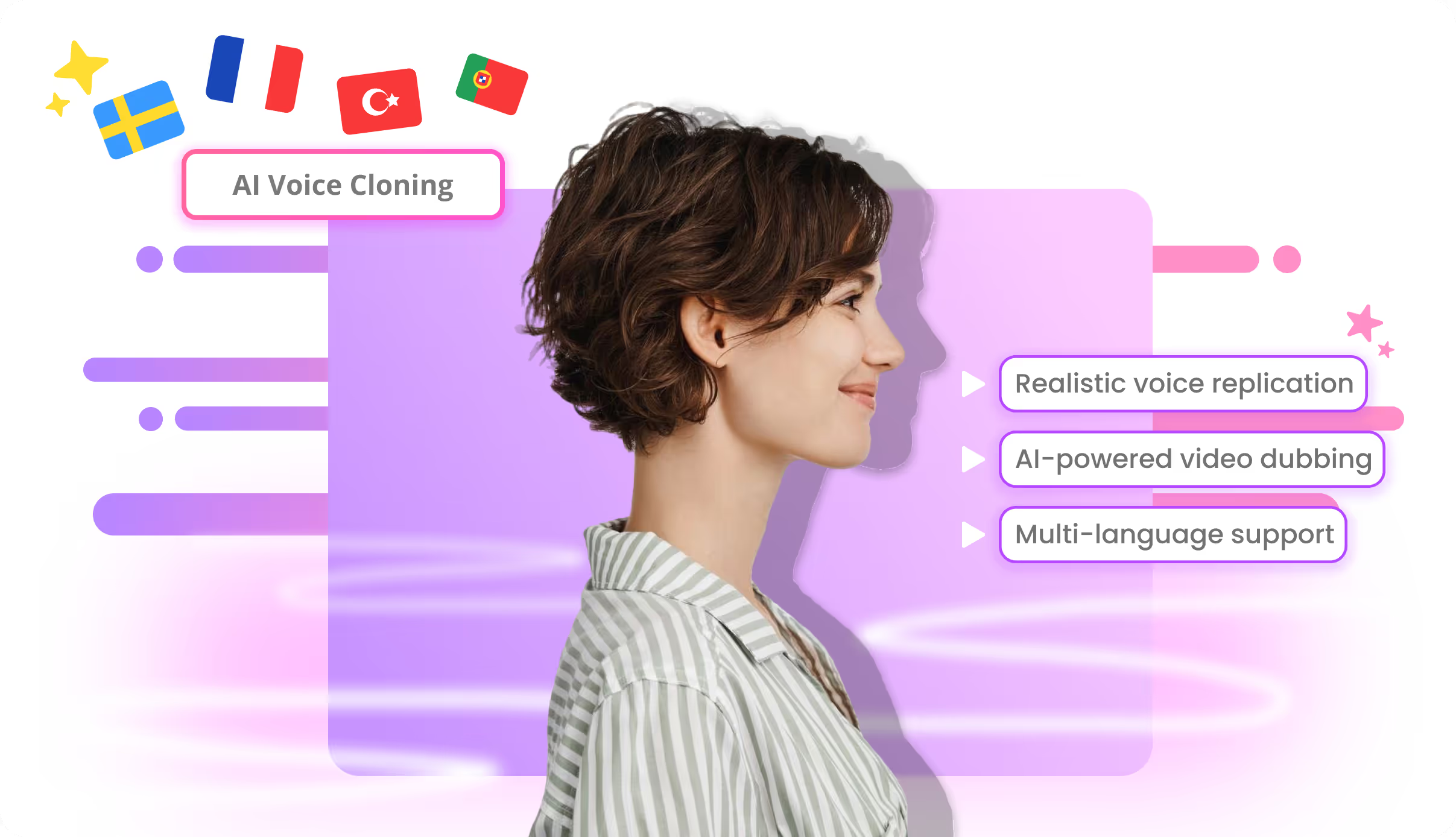
- Dub the audio into up to 10 languages on Business, with voice matching
- Generate and score thumbnails from frames in the video, with feedback on composition and legibility before you publish
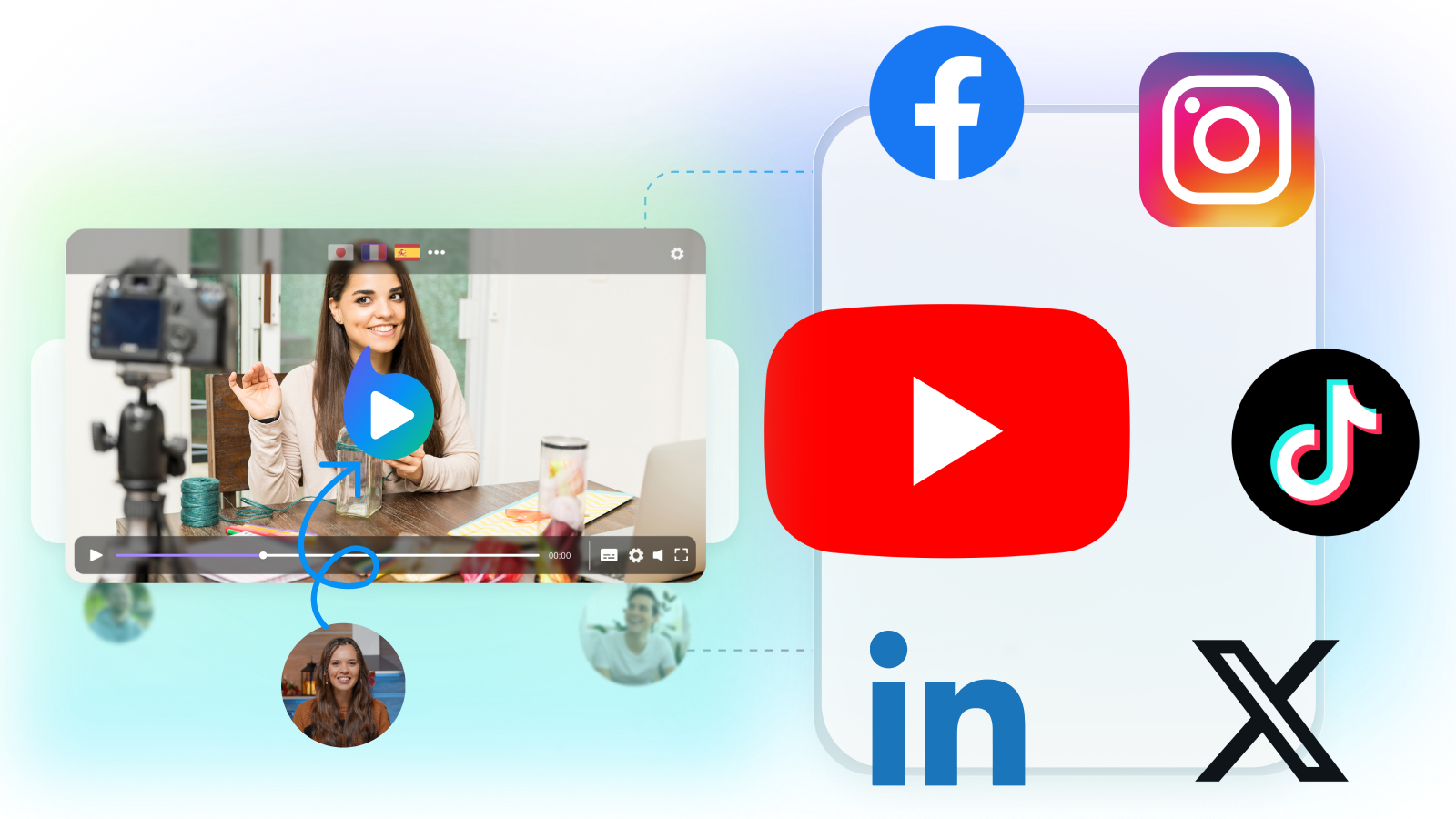
- Auto-publish natively to every connected channel, rather than exporting files and uploading by hand
On Business at $70/month that covers 100 hours of managed video, 5,400 AI credits a month, 540 shorts generations, 180 thumbnail generations, and unlimited connected channels. Unused credits roll over up to 16,200. Full detail on pricing.
Where the cost comparison actually lands
Comparing Braiv with VidIQ on price alone is misleading, because they are rarely the only two tools in the stack. A channel operating at volume typically pays for research, a clipping tool, a captioning tool, a dubbing service and a scheduler.
Braiv Connect covers four of those five. That is the comparison worth running — not Braiv against VidIQ, but Braiv against the clipping, captioning, dubbing and scheduling line items on your invoice.
The multi-channel case
Per-channel pricing is the point where most growth tools stop making sense for agencies and network operators. Braiv Business allows unlimited channel connections on one subscription, so the cost of adding a twelfth client channel is whatever processing it consumes, not another seat.
That is also why the credit model matters more than it looks: 5,400 credits a month with rollover to 16,200 means an agency can absorb an uneven month — three clients launching at once — without an emergency upgrade.
Be honest about the trade
Keep VidIQ if keyword research and competitor tracking are your daily workflow; it is genuinely the stronger product there. Move to Braiv Connect if your bottleneck has shifted from knowing what to publish to actually producing and distributing it, particularly across more than one channel or more than one language.
Most channels at scale end up running research in one tool and production in another. Start with Braiv Connect, or compare the plans and limits first.
Features Built for Global Impact

Available in Braiv Connect
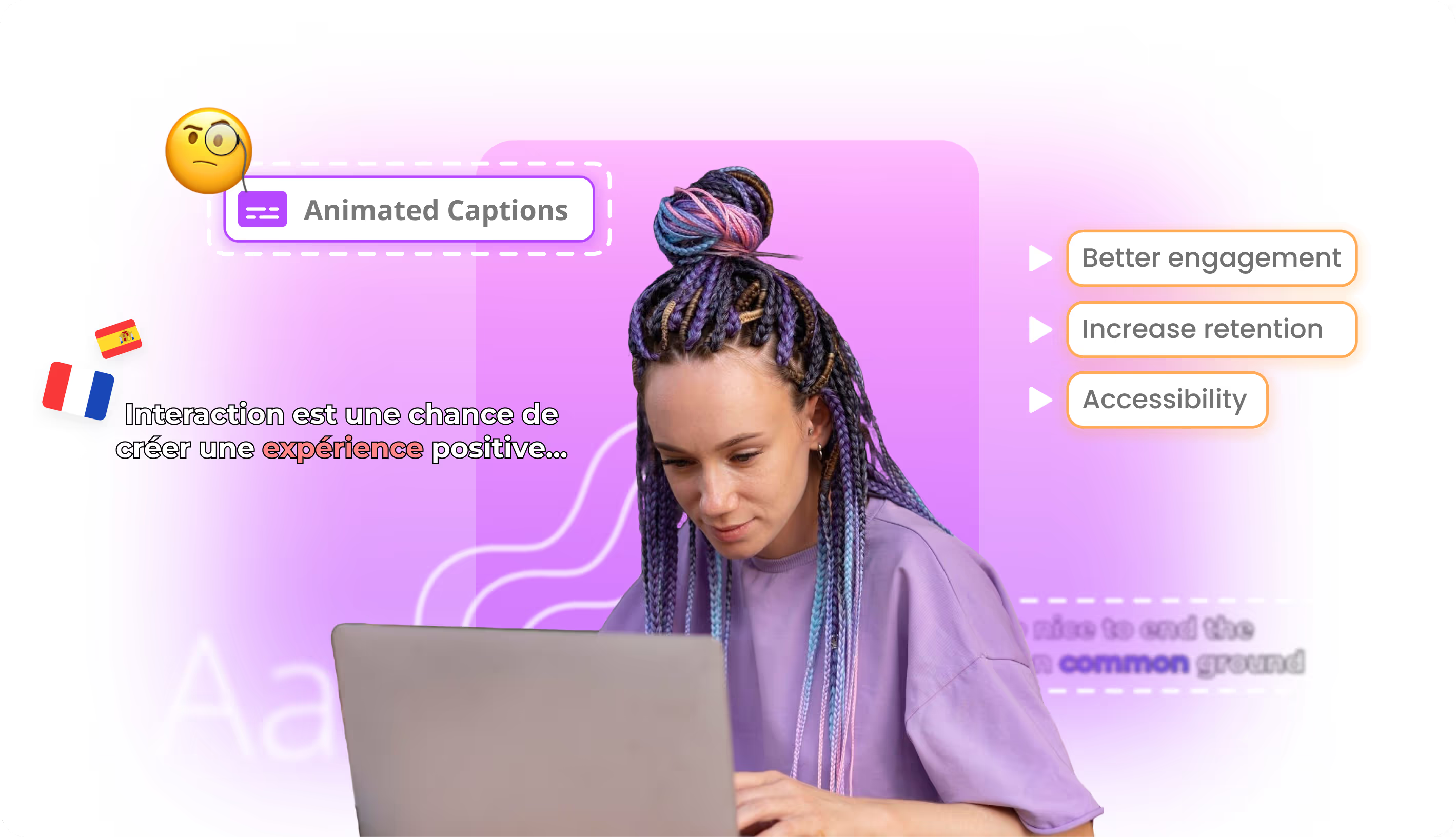
Generate SEO-ready titles, descriptions, tags, and chapters from your transcript — then auto-publish everything to every channel in one click.
Ready to Take Your Content Global?
Join over 100,000 creators scaling their reach with Braiv.
Get 150 AI Credits when you sign up today.