Translate Video to Multiple Languages

Translate Video to Multiple Languages

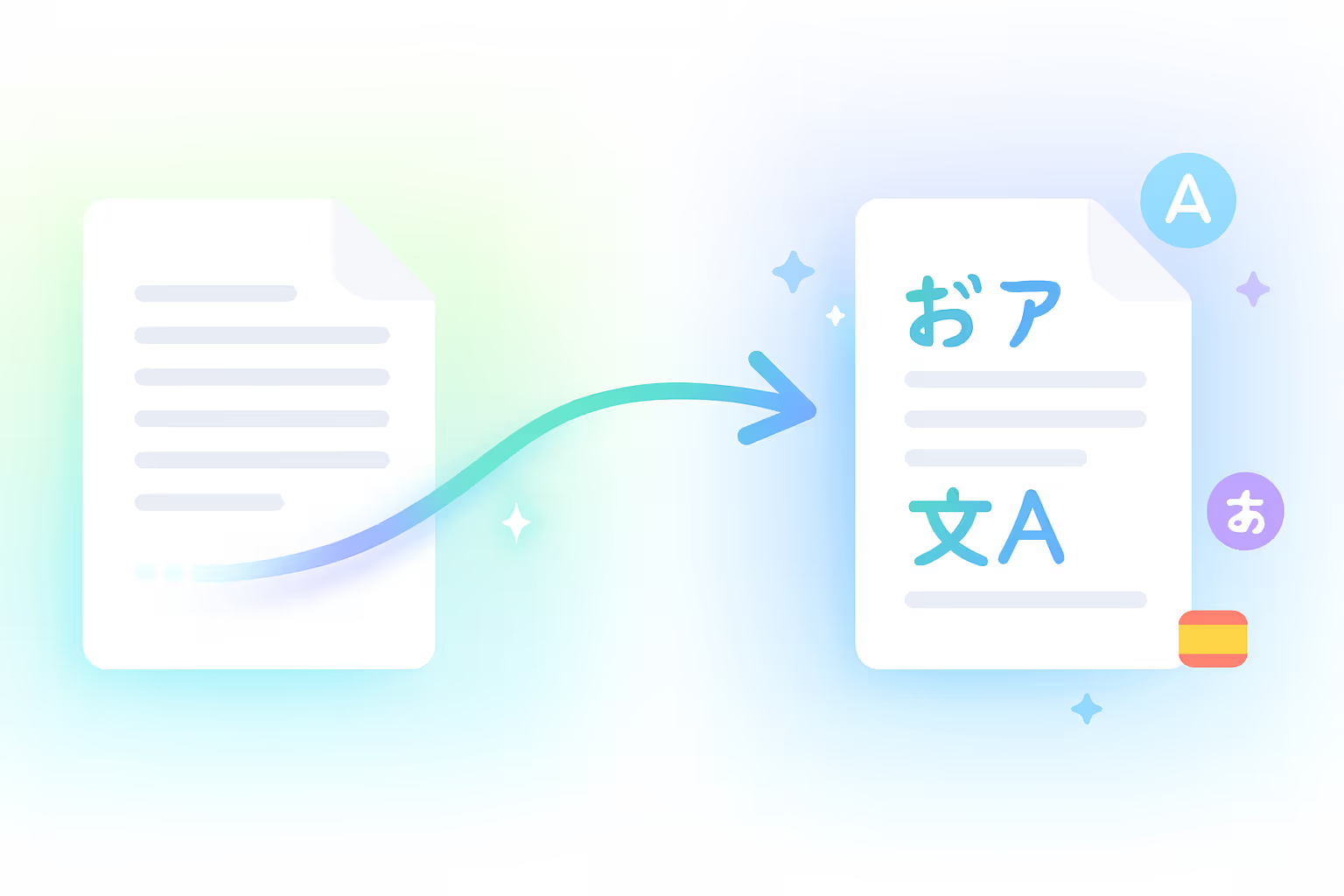
Reach global audiences on autopilot. Translate and dub your videos into multiple languages in seconds with hyper-realistic AI voice cloning and perfect subtitle synchronization.

Translate and dub your video

Choose how you bring in your video (YouTube link or upload), pick a target language, then we validate length and send you into Braiv dubbing.

Add a video URL or upload a video before translating.
Get started for free
Trusted by 100,000+ creators, podcasters & businesses globally

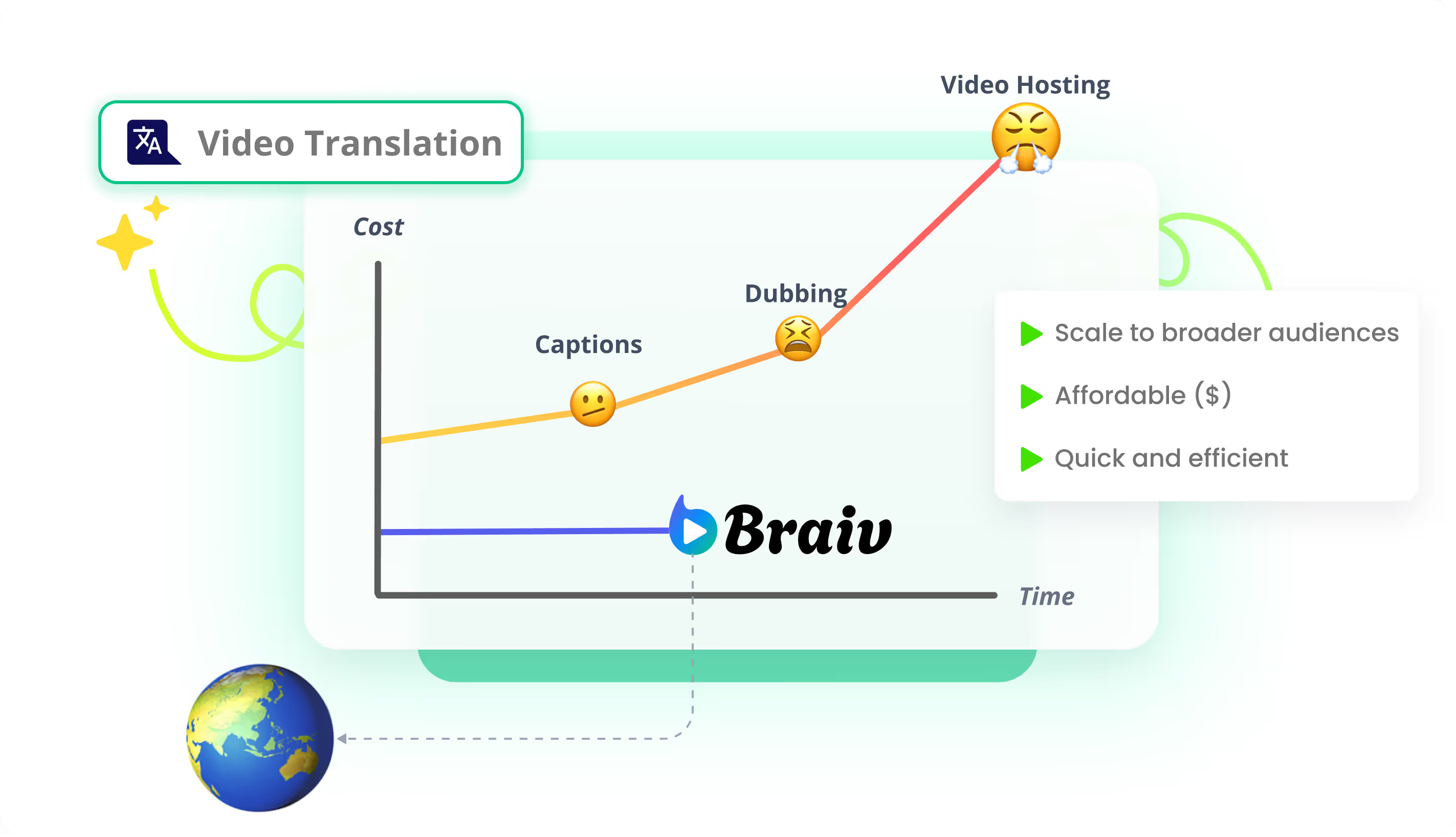
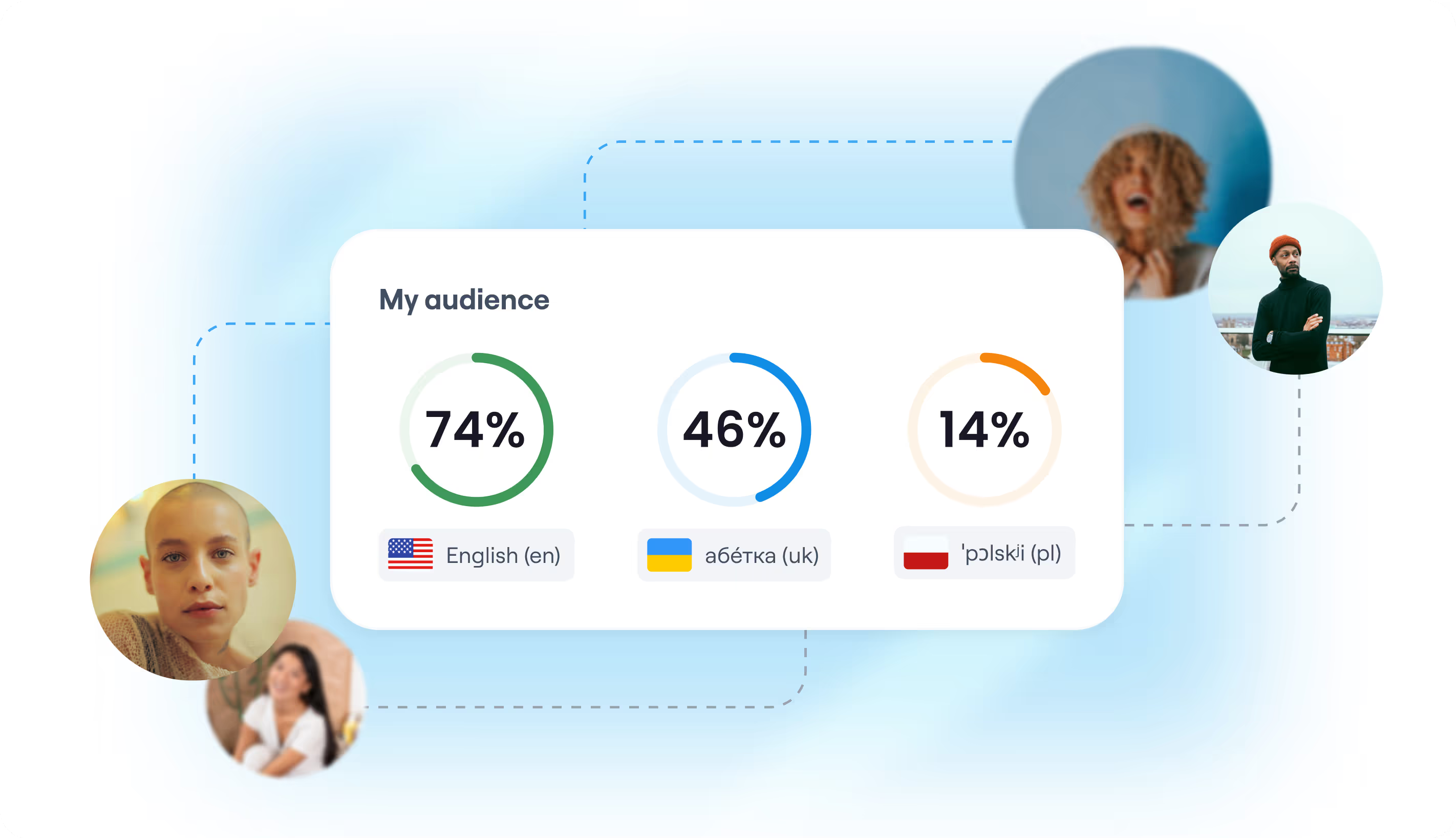
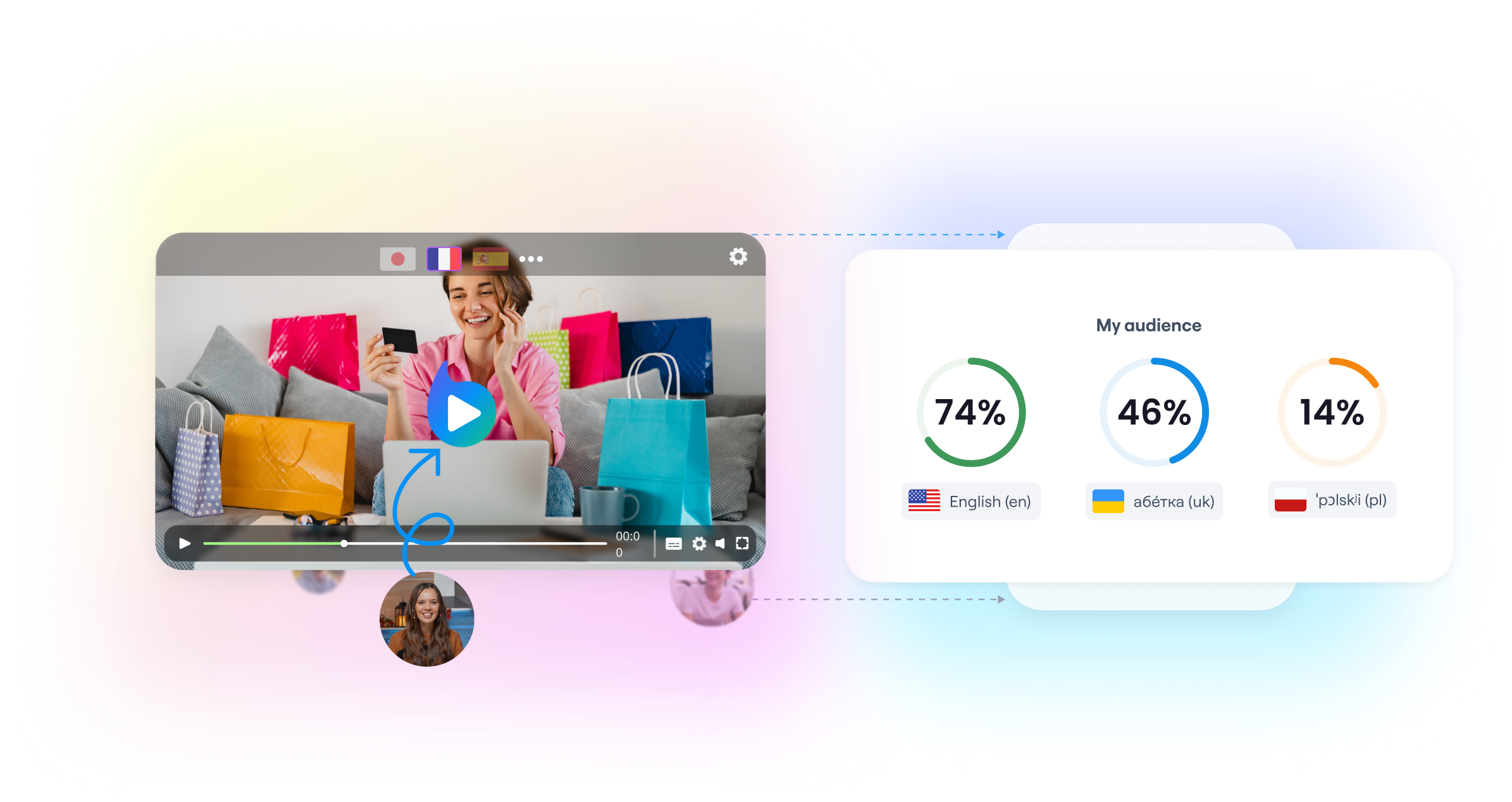
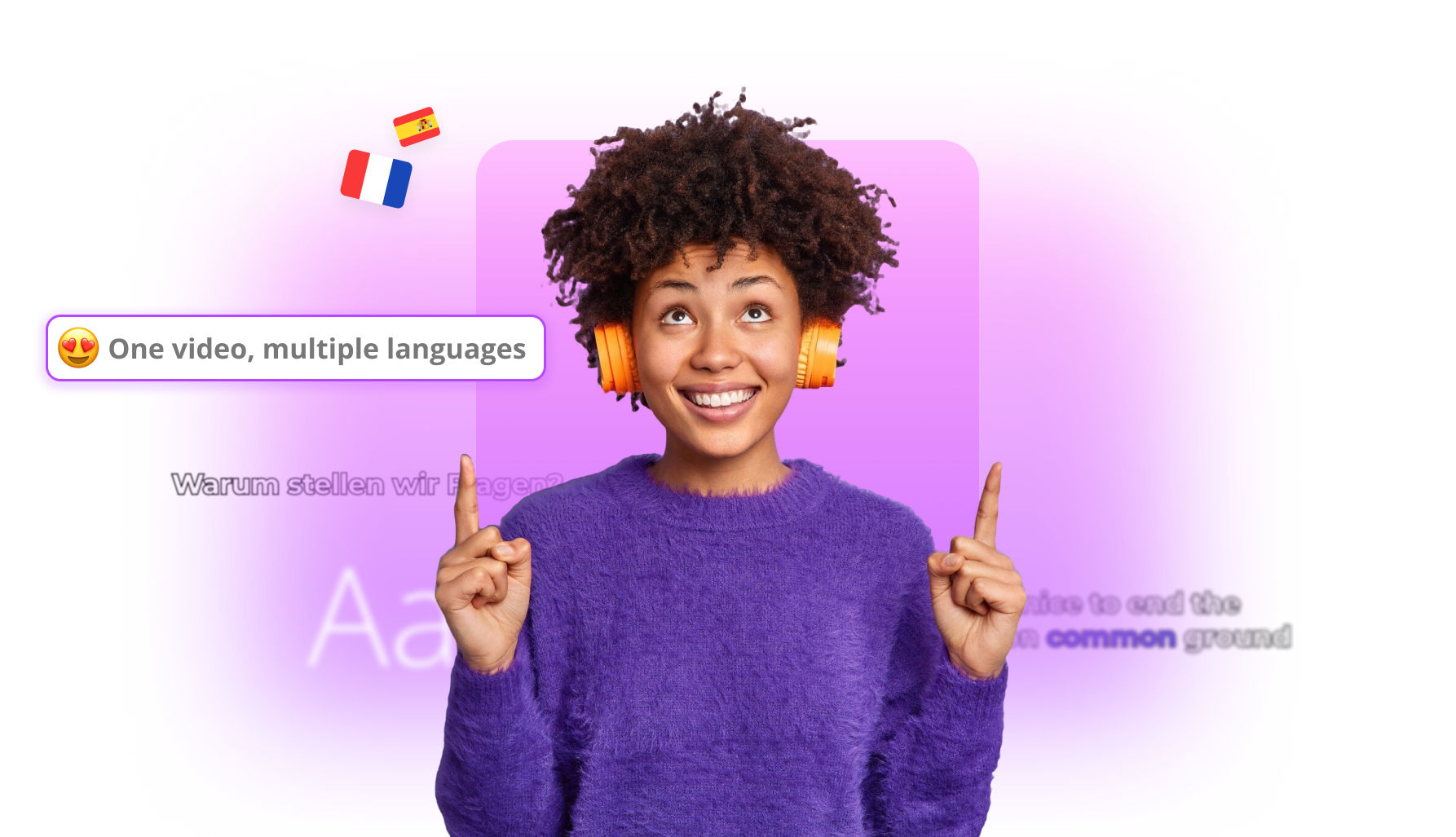
In today's digital landscape, restricting your video content to a single language means leaving up to 80% of your potential global audience on the table. With Braiv's powerful multi-language translation and dubbing studio, expanding your reach has never been faster or more accessible. By automatically translating transcripts, generating hyper-realistic localized audio tracks, and syncing them on a unified platform, you can speak directly to viewers worldwide in their native tongue.


Key features include:
  • Select Your Video File: Navigate to your personal Video Library, find the file you wish to translate, and click to open the editor.
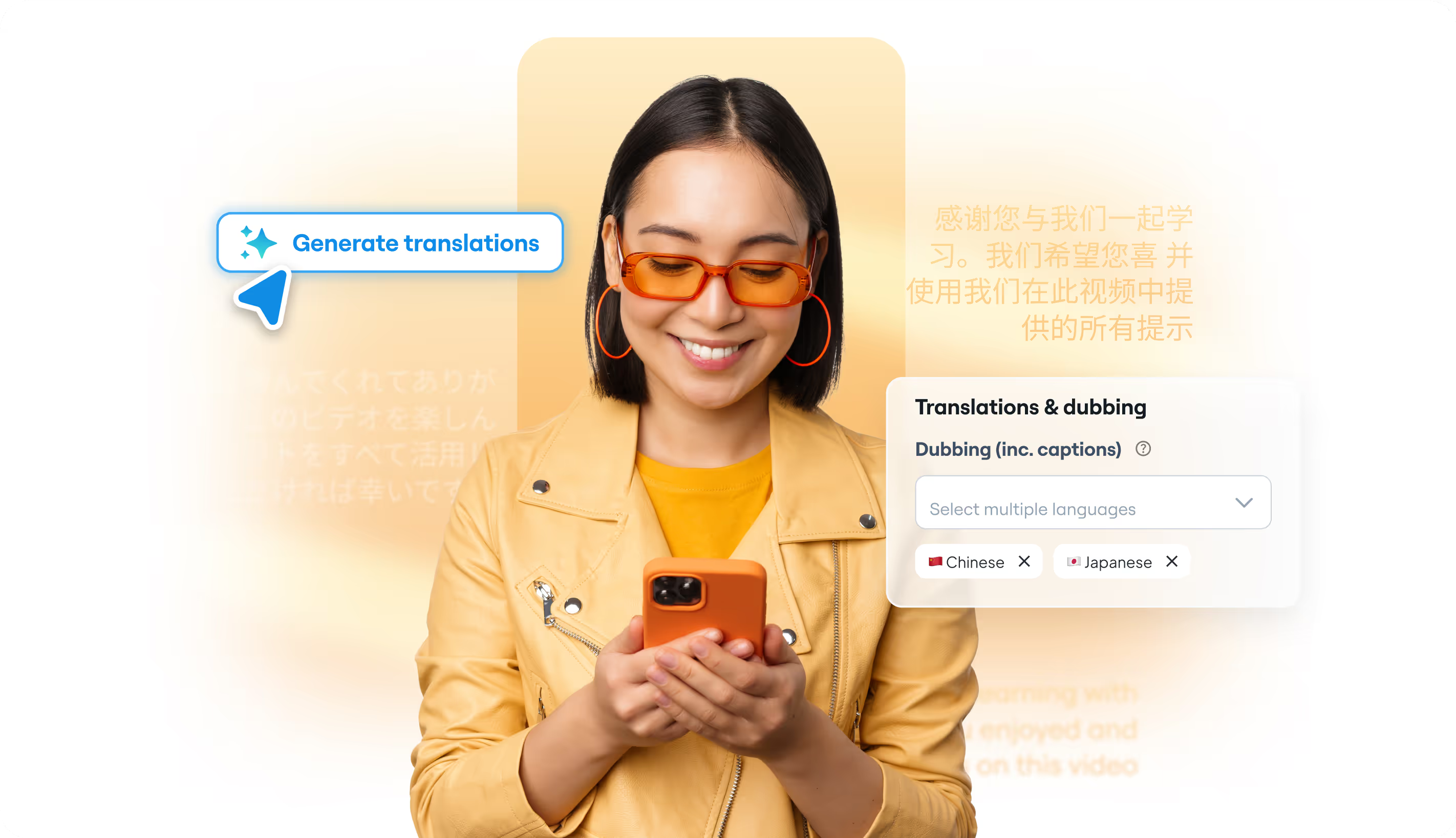
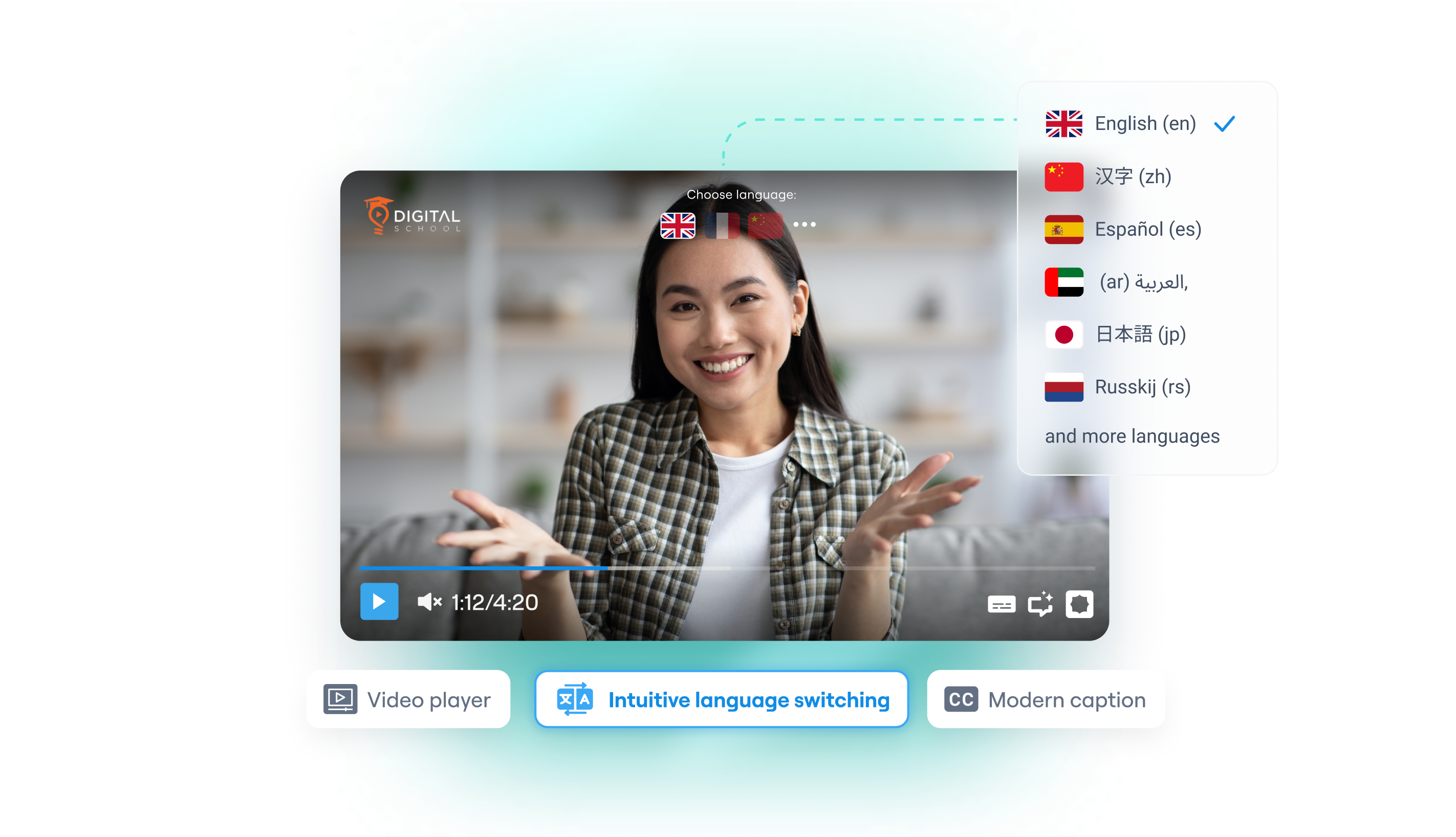
  • Access the Language Menu: On the upper-middle section of the screen, click on the "+Languages" button. A clean modal overlay will appear showing all available translation options.
  • Select Target Languages: Check the box next to your desired target language or languages. While you can select multiple targets at once, we recommend adding one language at a time to carefully customize and preview voice nuances.
  • Calculate and Confirm Credits: Once your languages are selected, click outside the dropdown box. The interface will immediately calculate the duration of your video and display the exact credit cost required for translation.
  • Generate Translation: Click the blue "Generate translations" button to launch our automated pipeline. You will see a green loading icon indicating that processing is active. Click it at any time to monitor granular progress.
  • Review and Download: When processing finishes, a blue check mark will appear. Your newly generated multi-language assets (including cloned voice audio tracks and translated SRT captions) are now ready for preview and instant download in the lower right-hand panel.
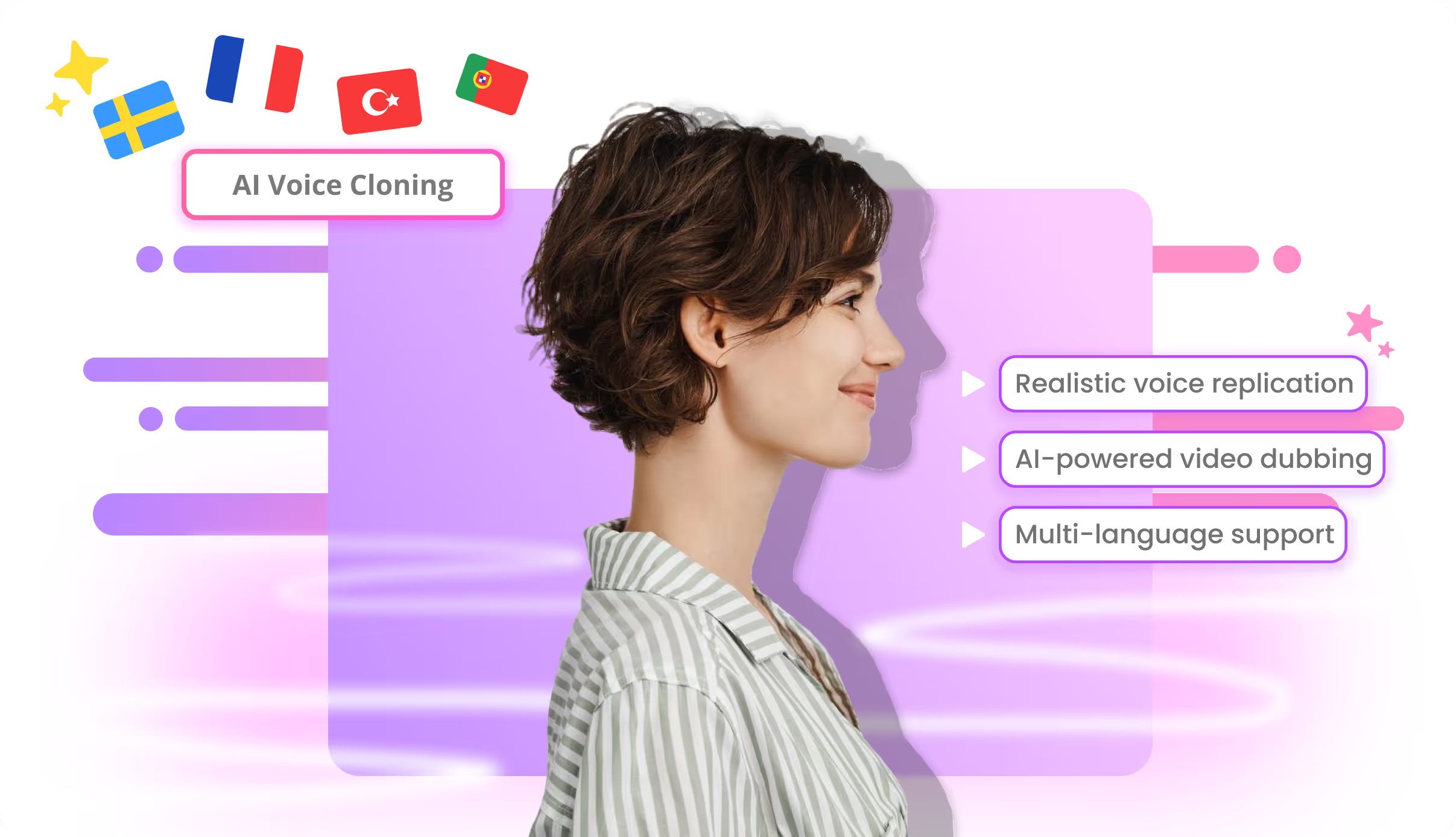
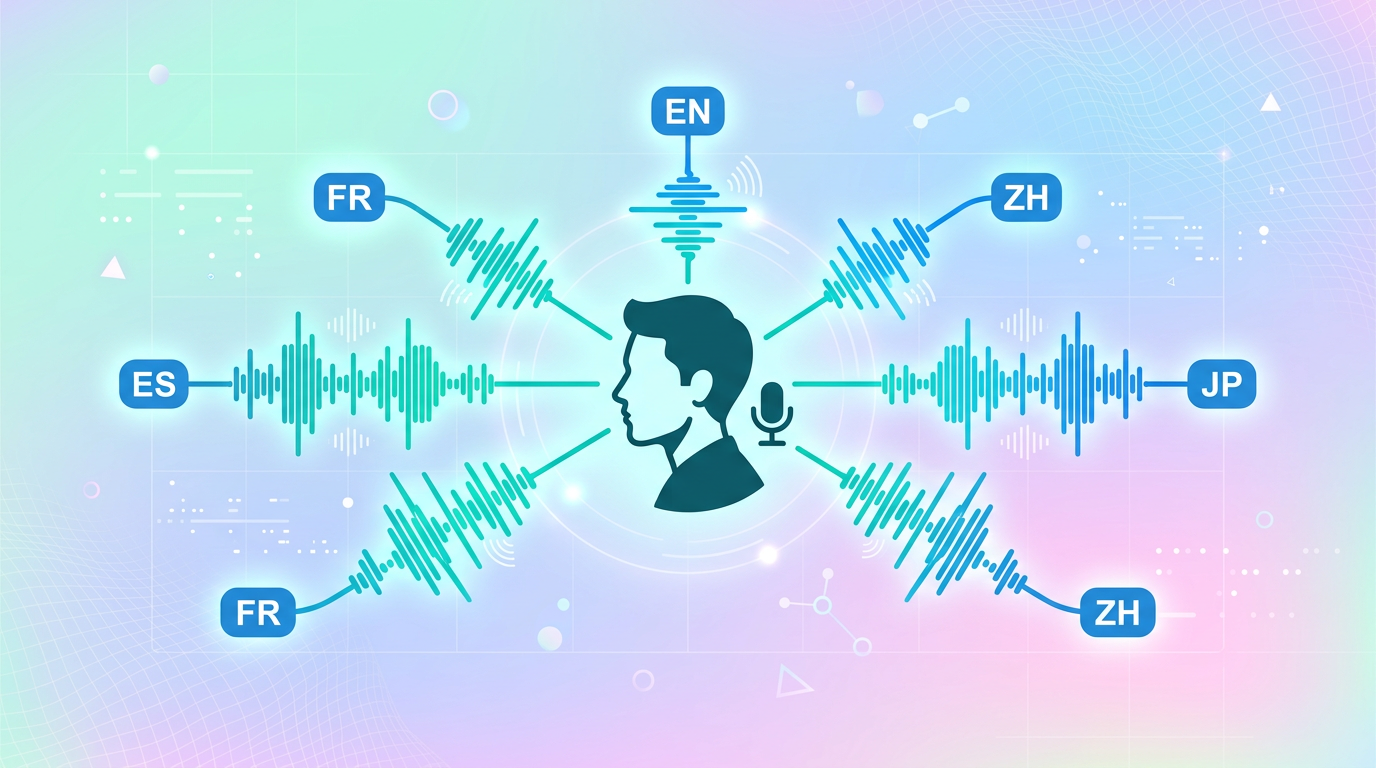
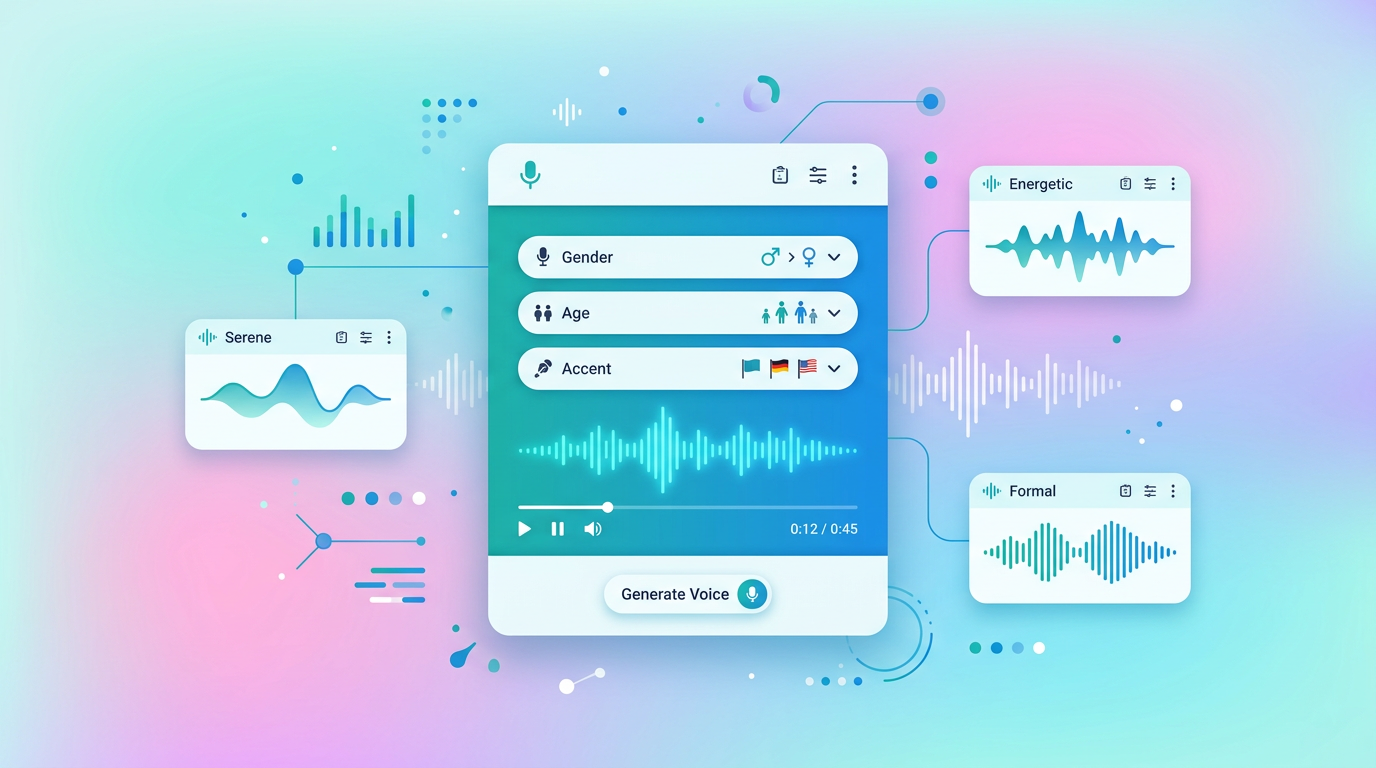
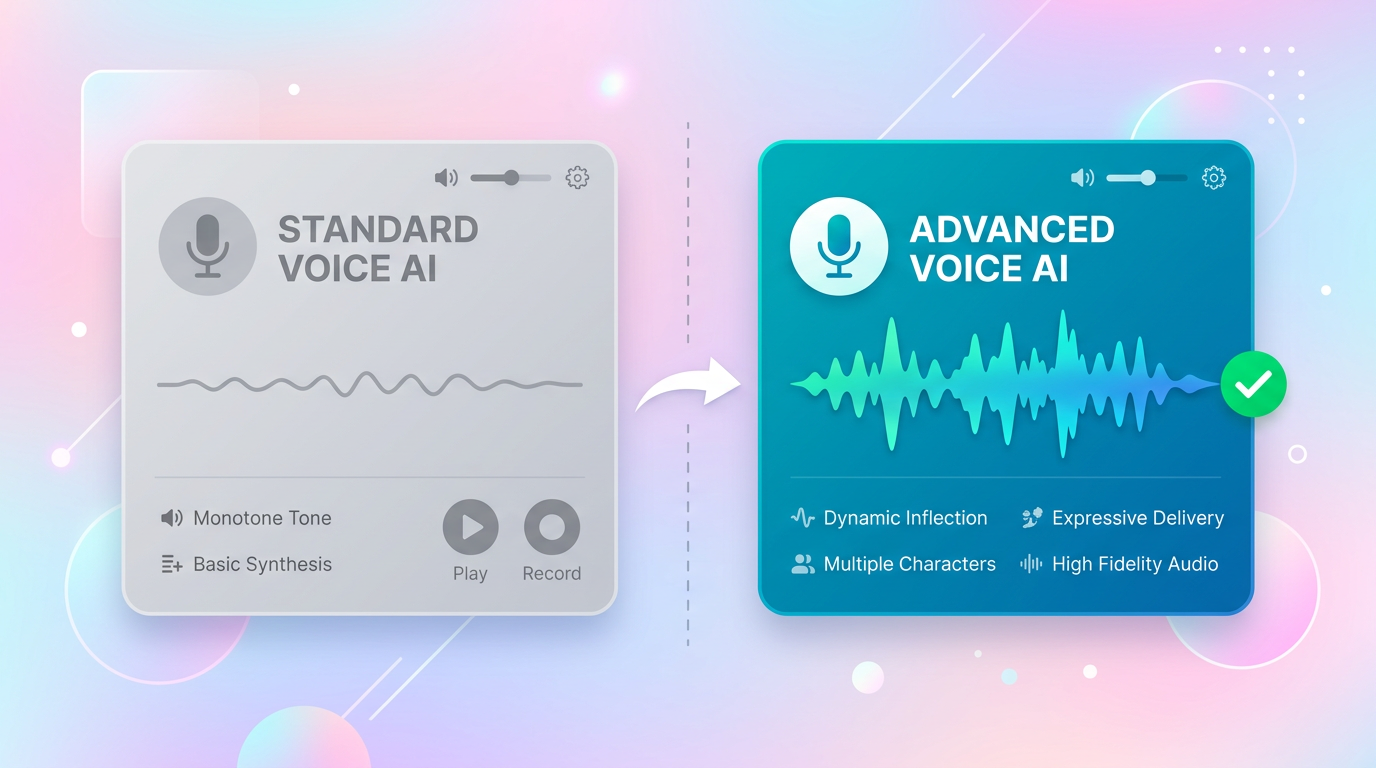
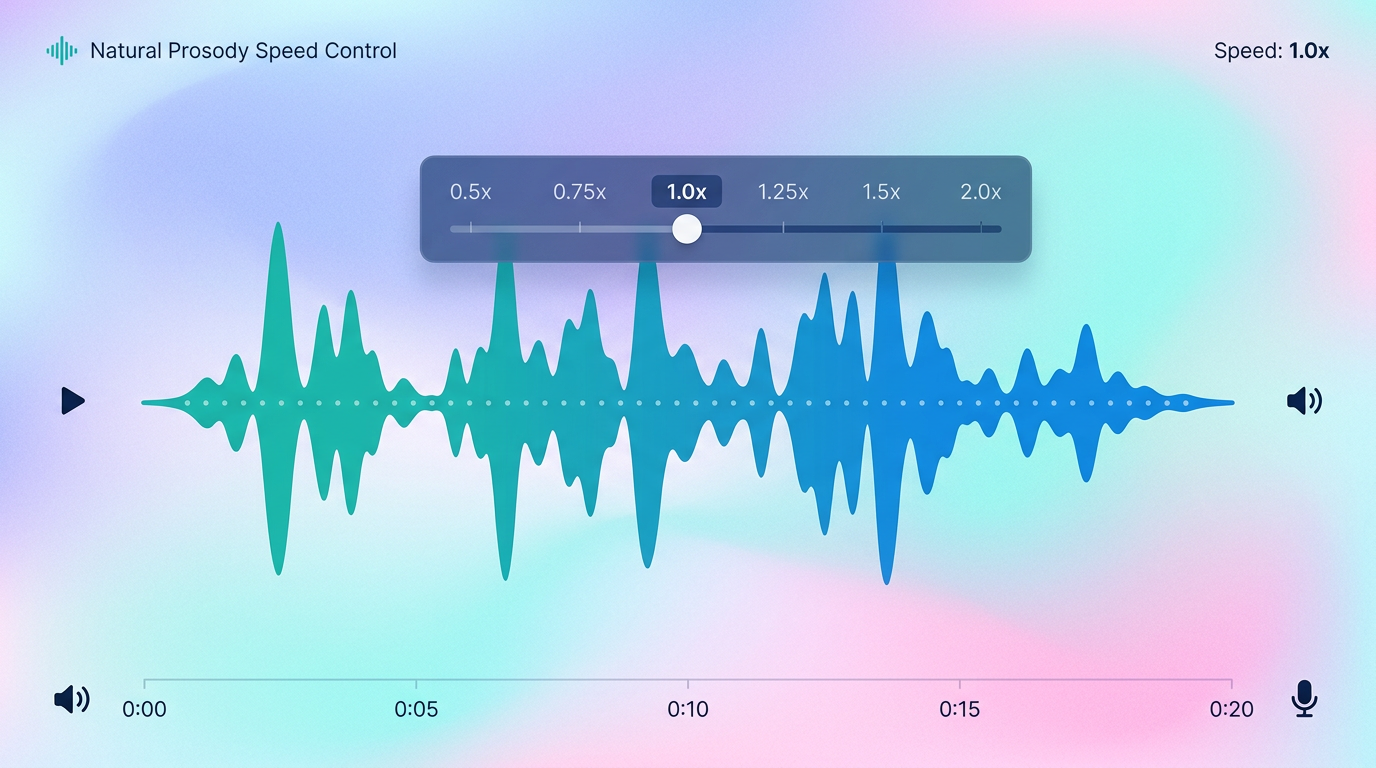
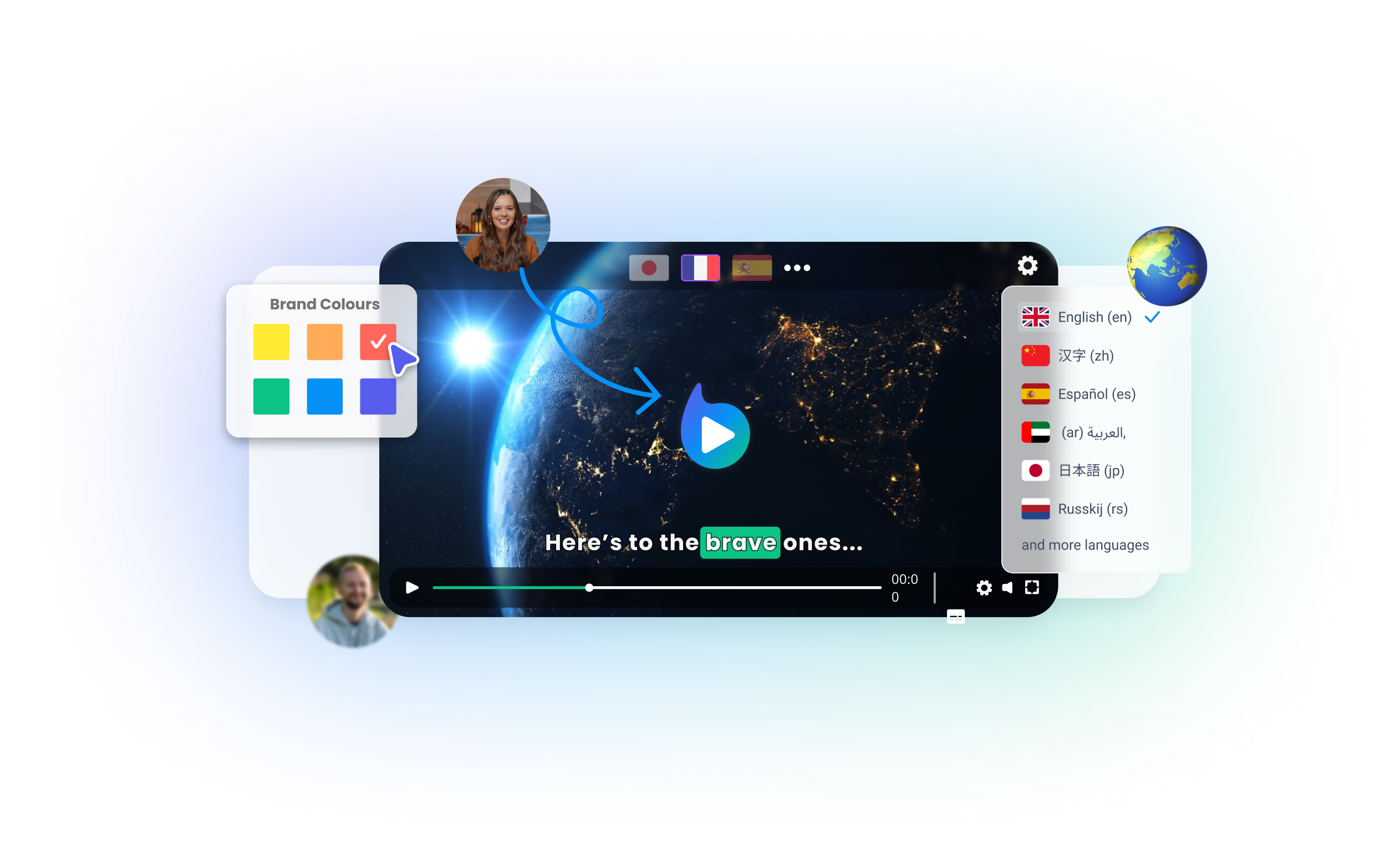
  • Dynamic Voice Replication: Instead of robotic text-to-speech, our advanced AI analyzes your vocal patterns, tone, and pacing to replicate your unique voice cleanly in over 80 languages.
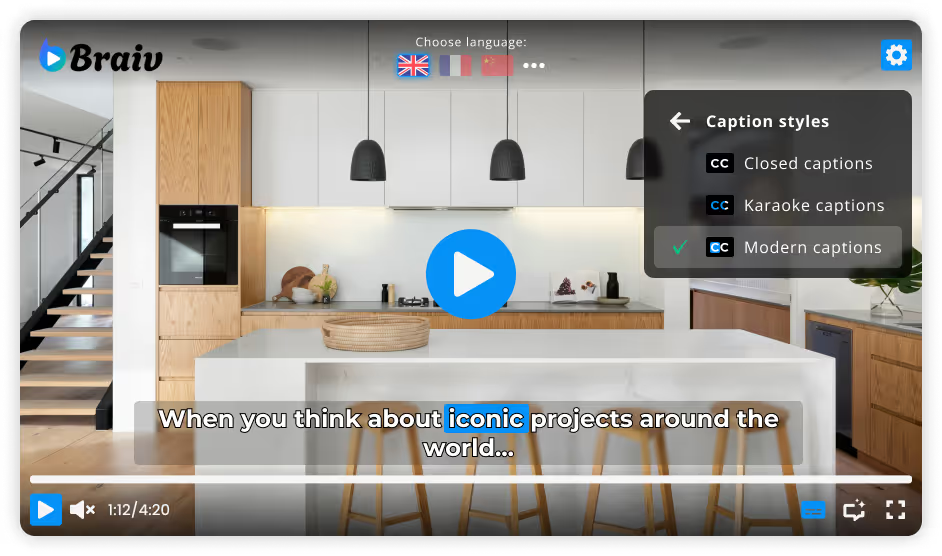
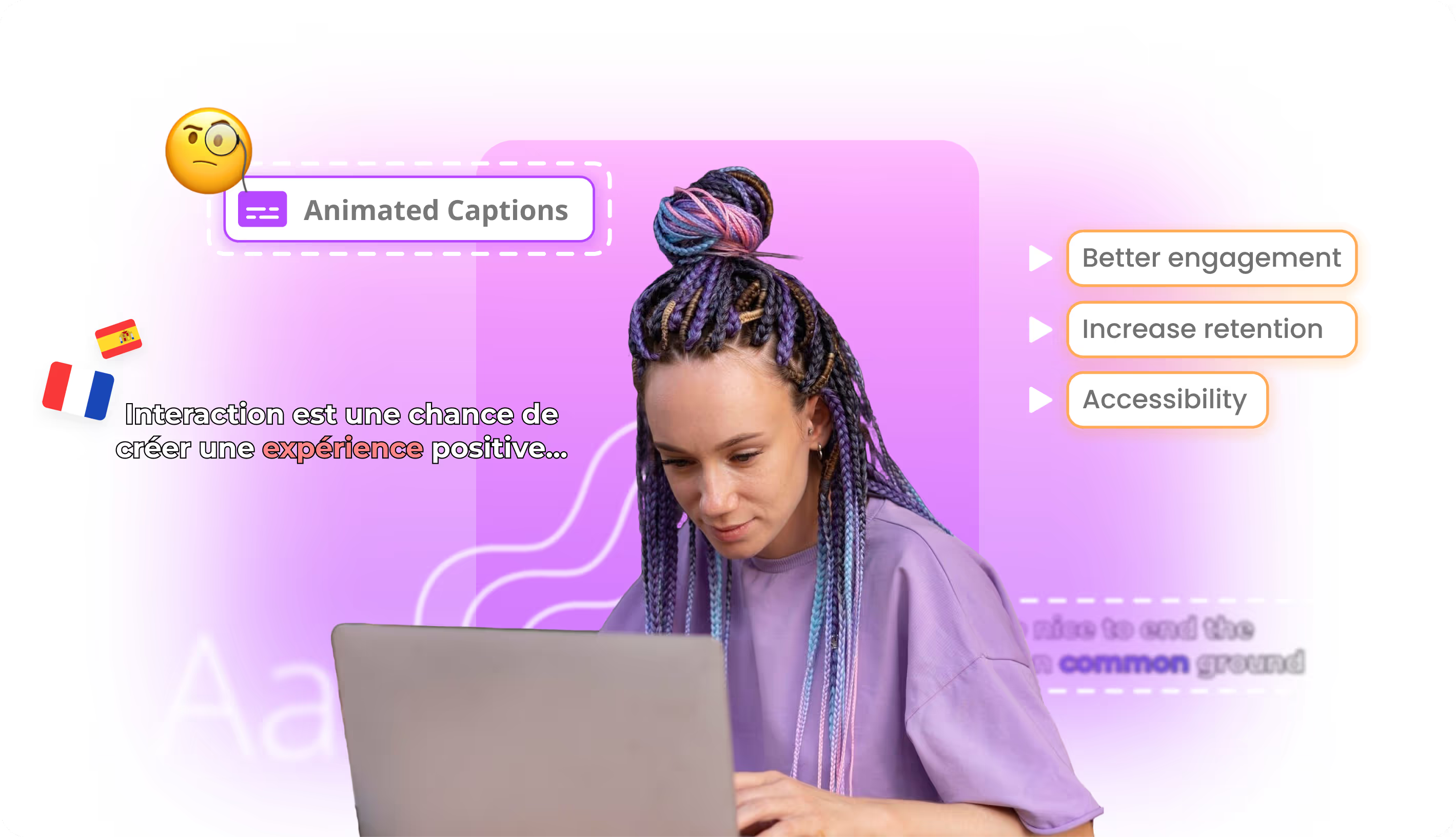
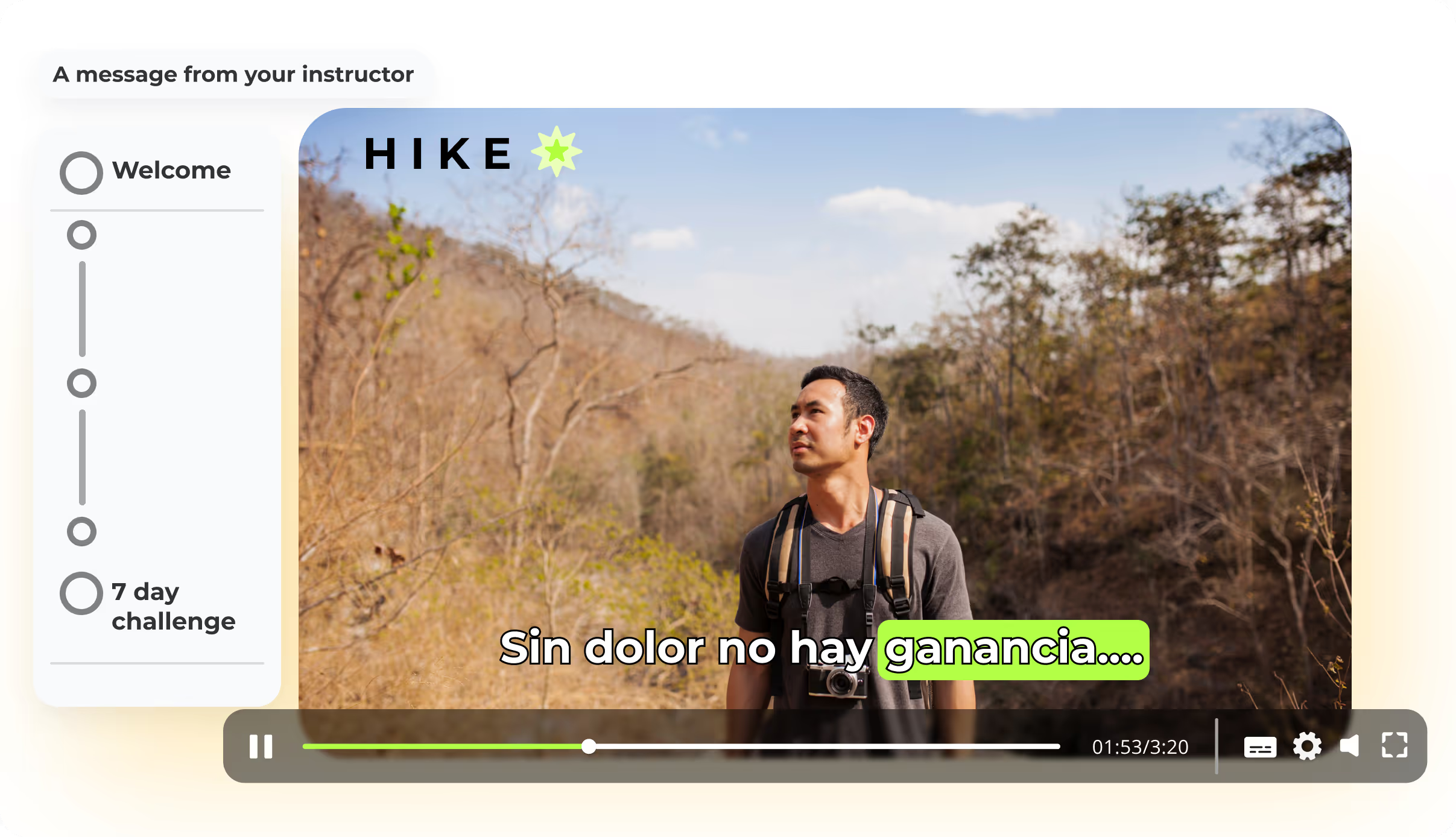
  • Flawless Subtitle Synchronization: Translated caption tracks are generated and aligned frame-by-frame with the new audio, ensuring a perfect, high-retention viewing experience for bilingual and deaf audiences.
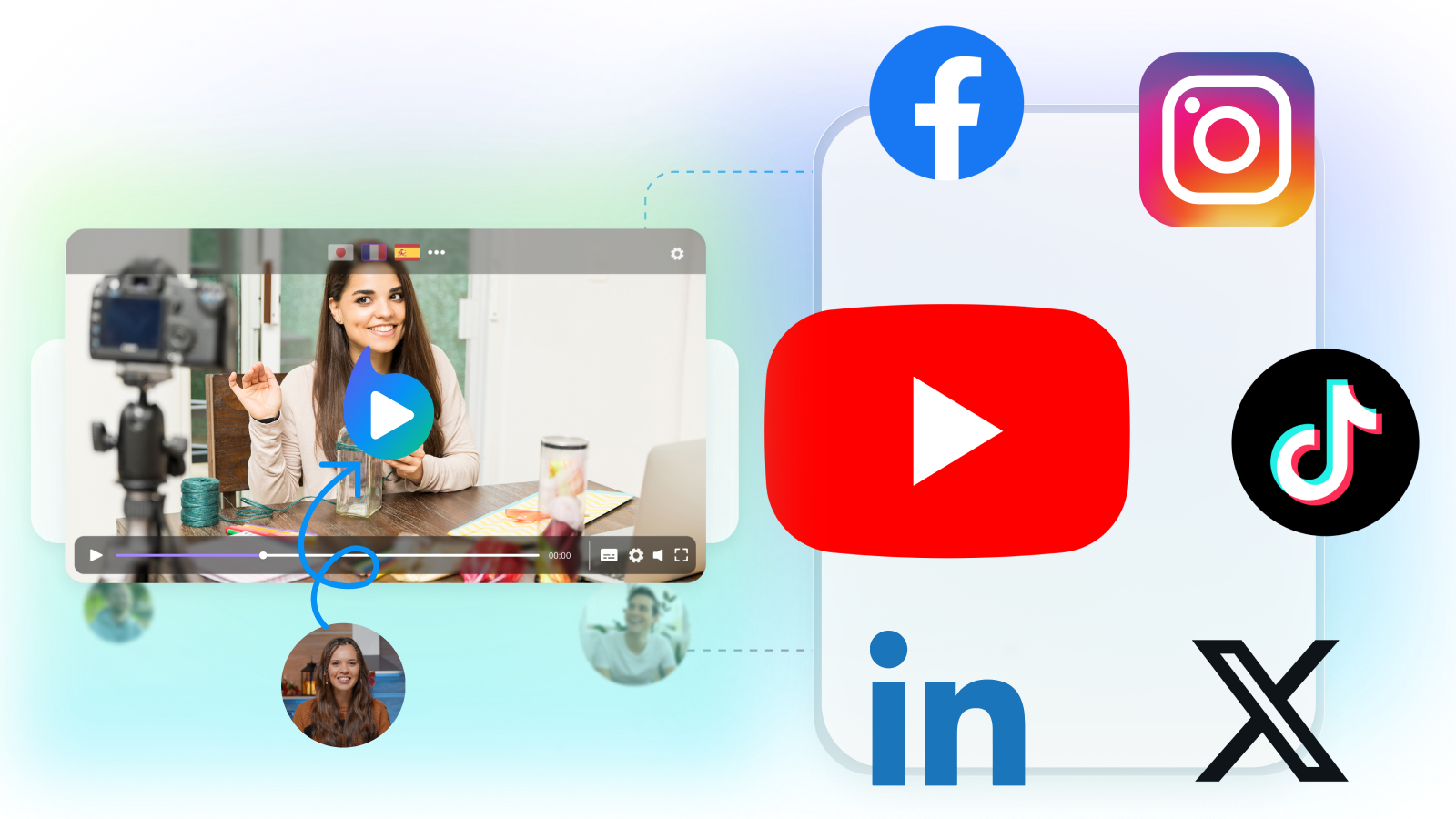
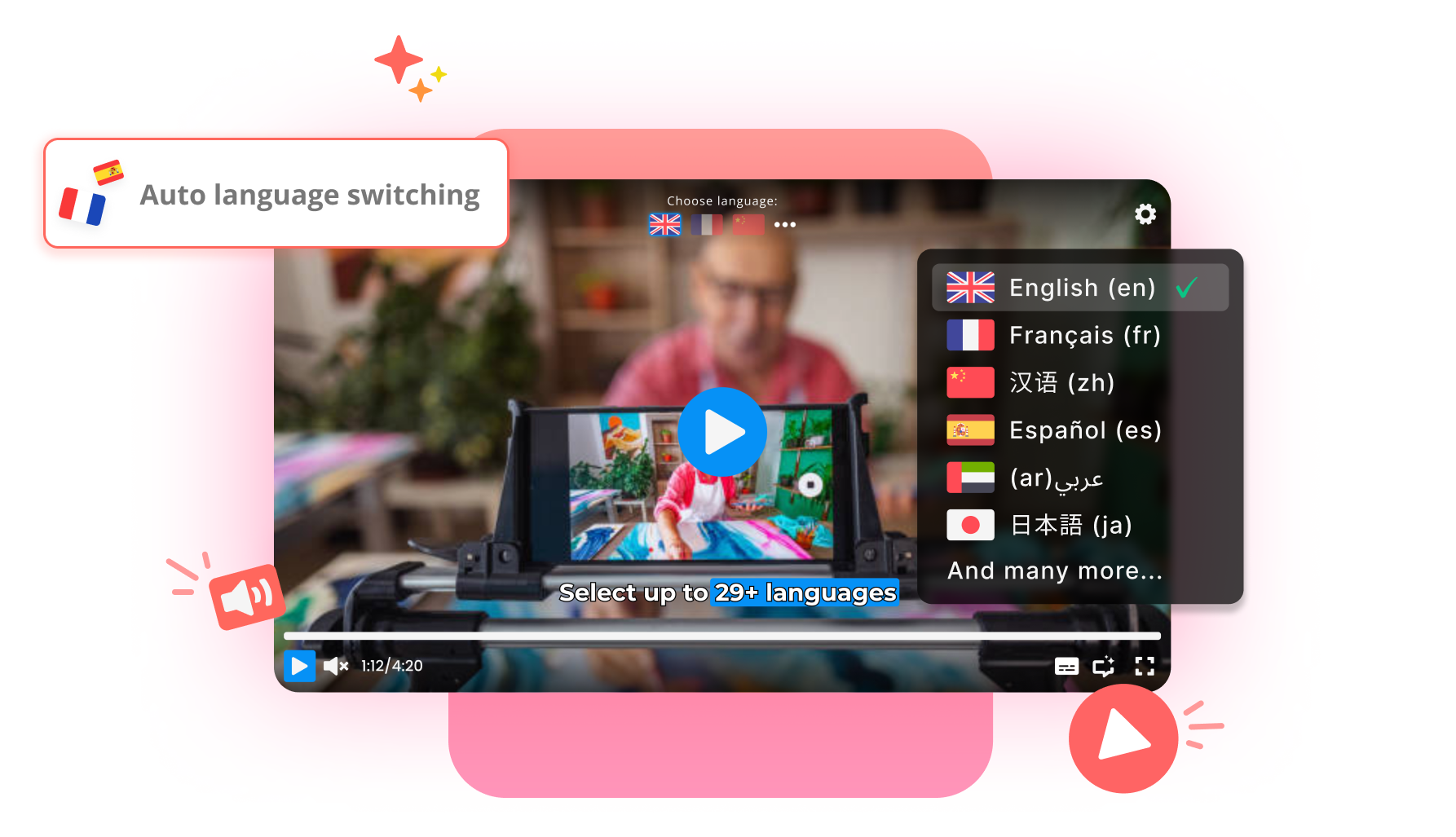
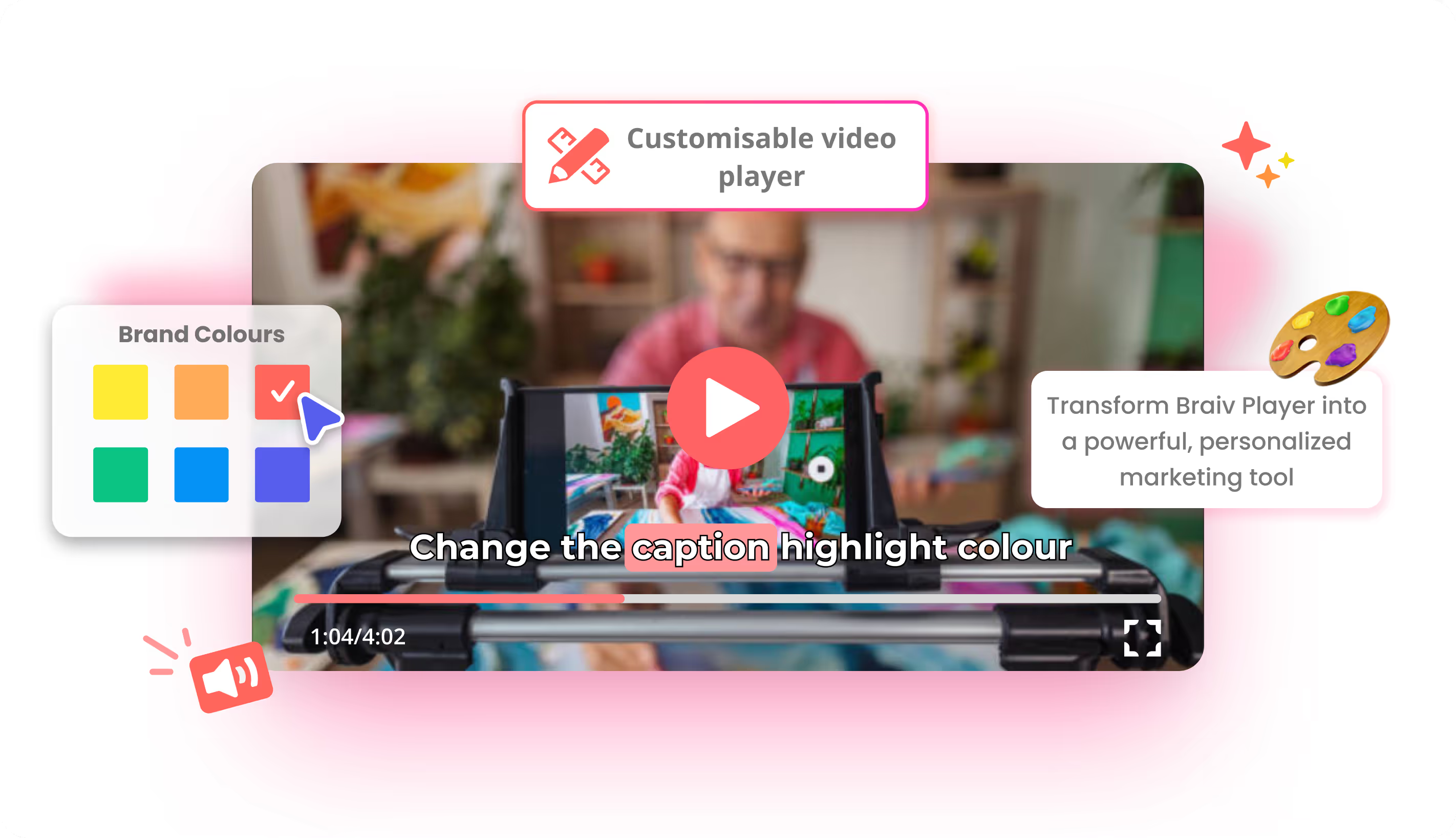
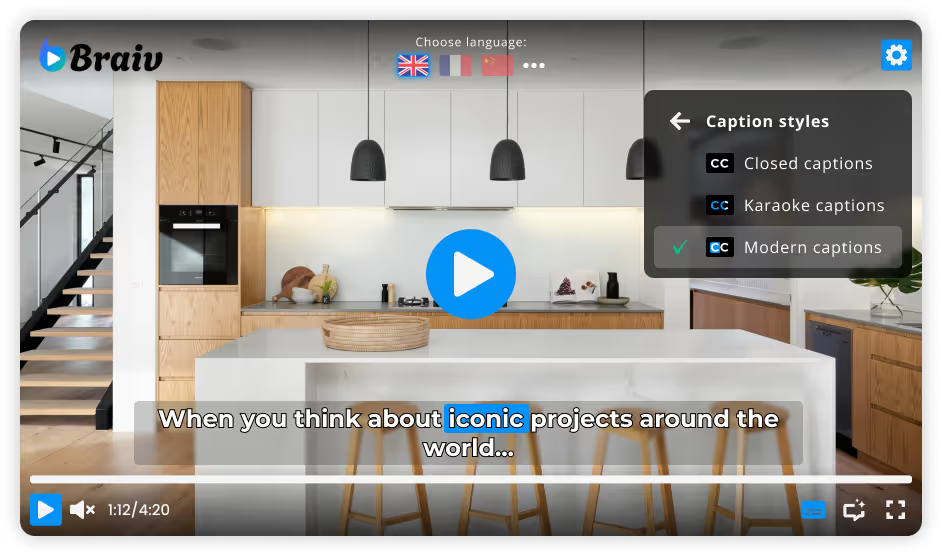
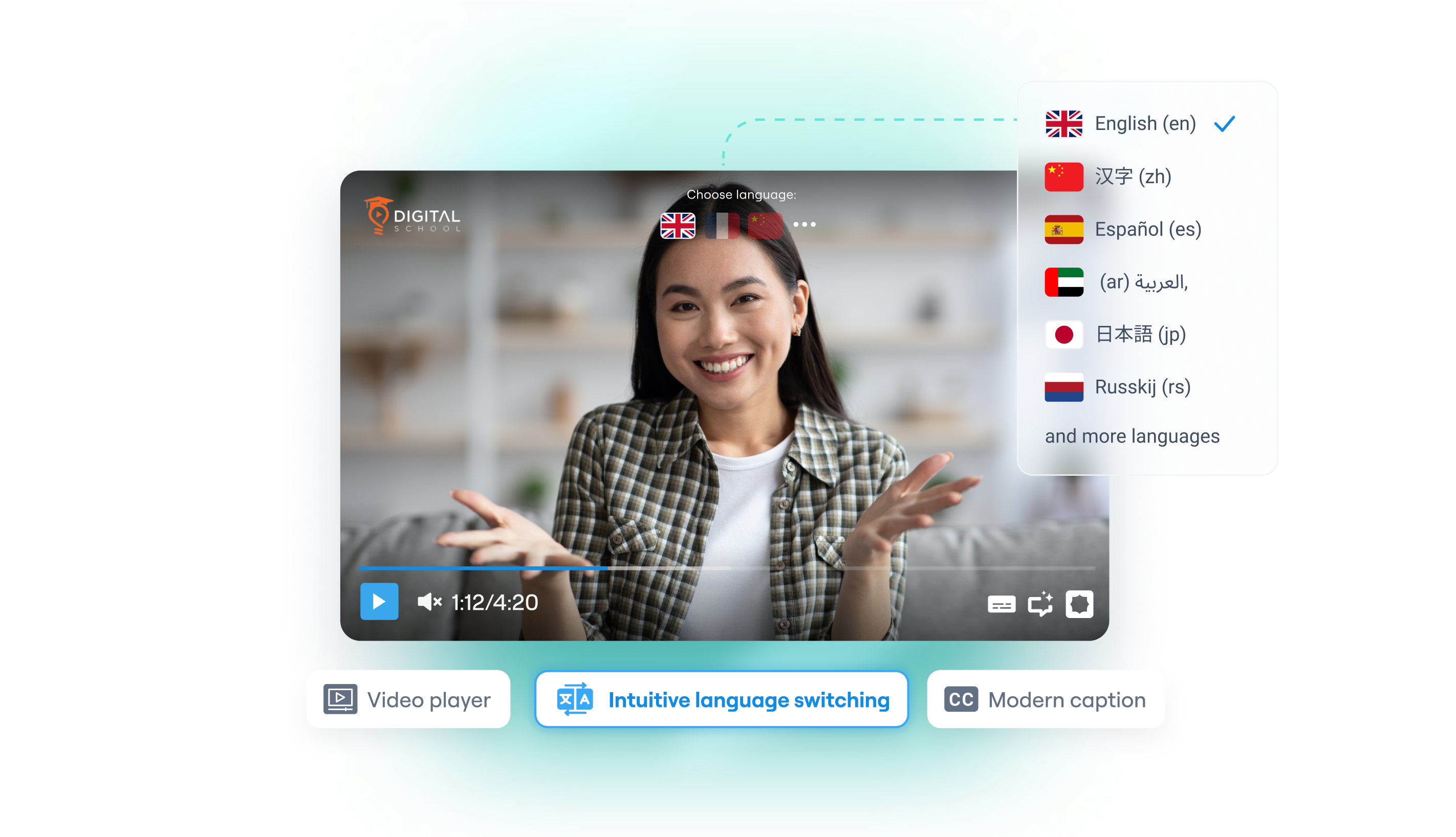
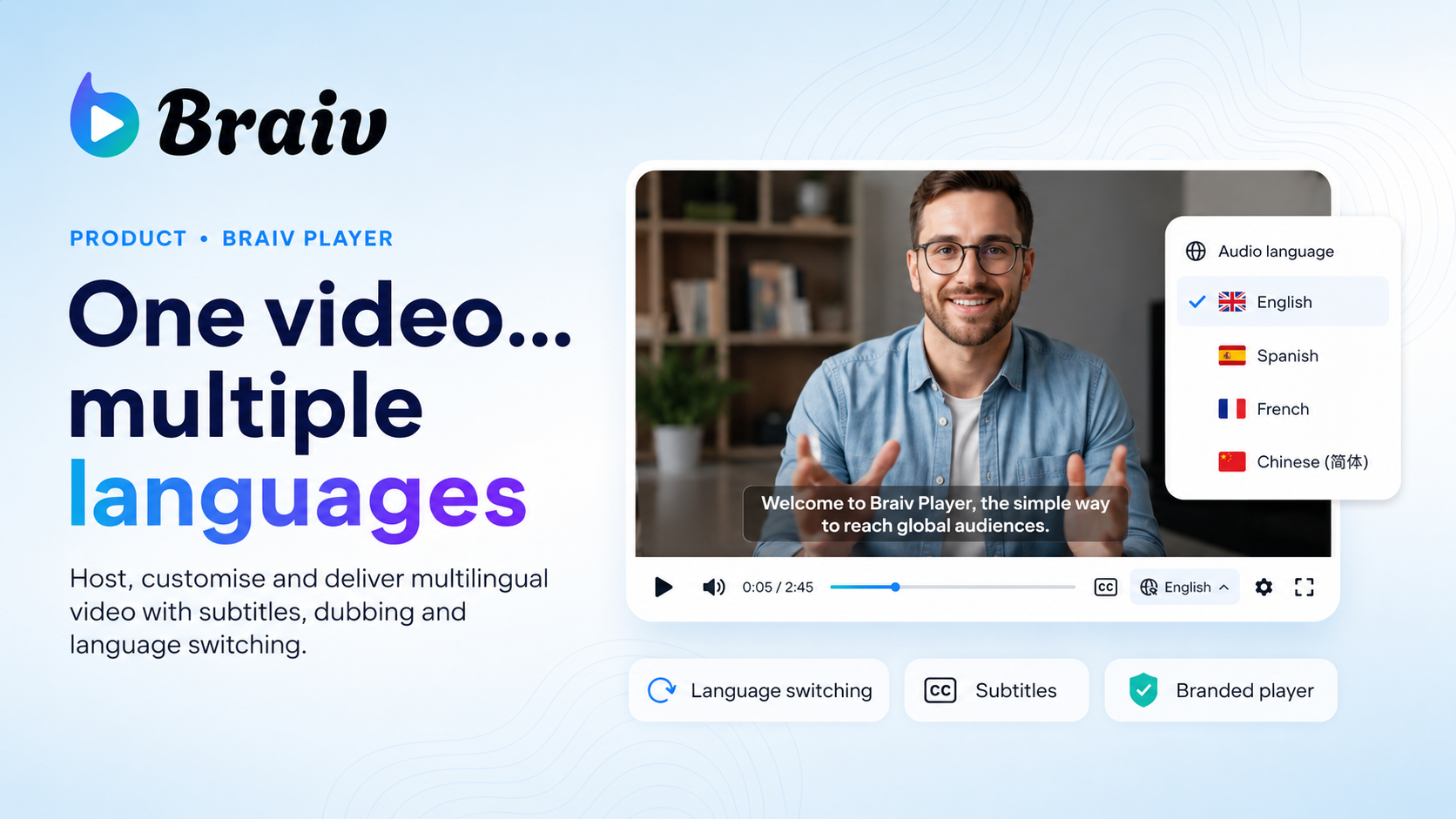
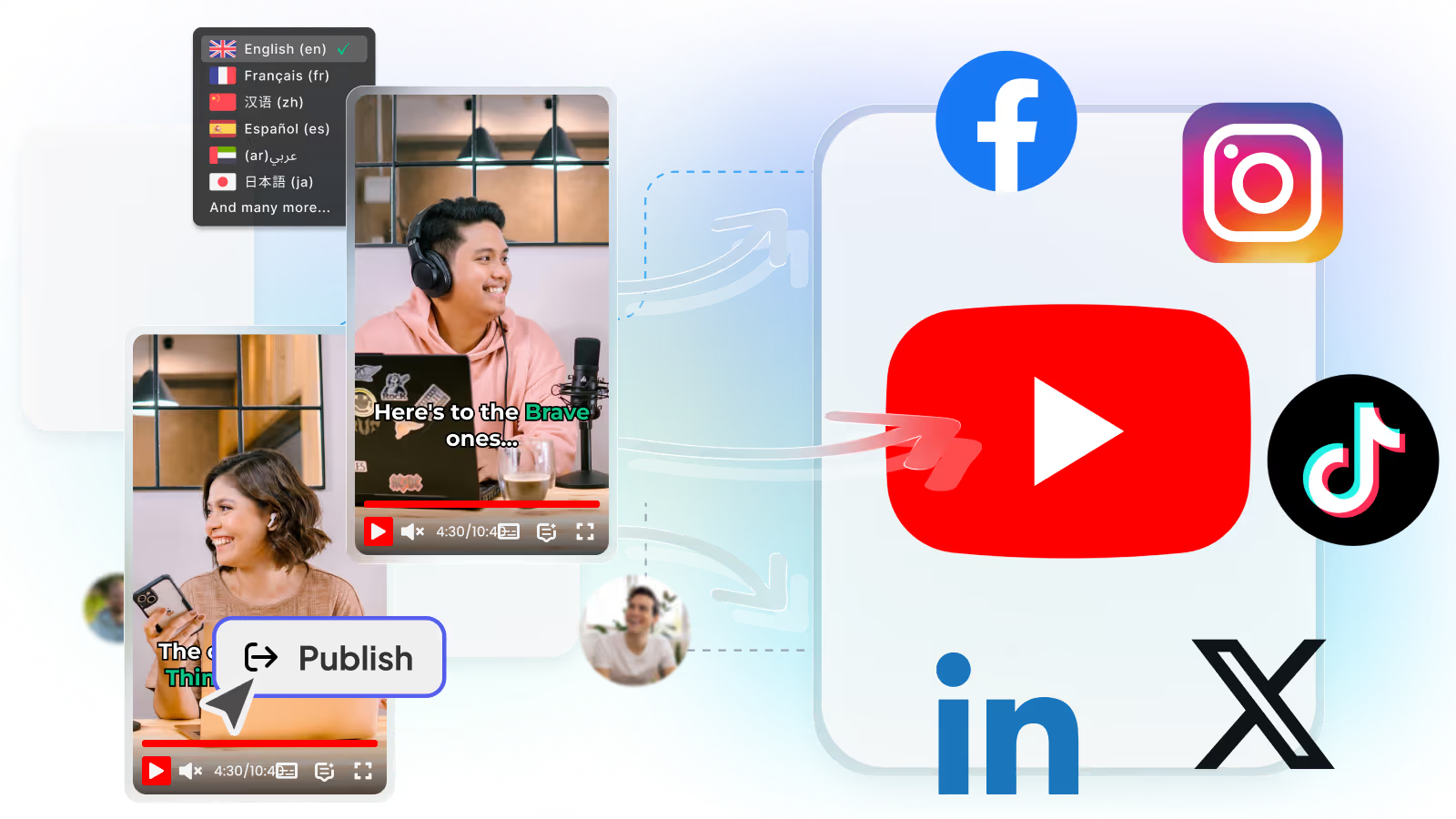
  • Frictionless Distribution: Export localized files to upload as multi-language audio tracks directly to YouTube, or embed our customizable interactive video player natively on your marketing pages.
domaine homes logo
puma logo
tesla logo
micd-up logo
antler logo
canva logo
thirdi logo
screenapp logo
anchored outdoors logo
domaine homes logo
puma logo
tesla logo
micd-up logo
antler logo
canva logo
thirdi logo
screenapp logo
anchored outdoors logo
Key Features
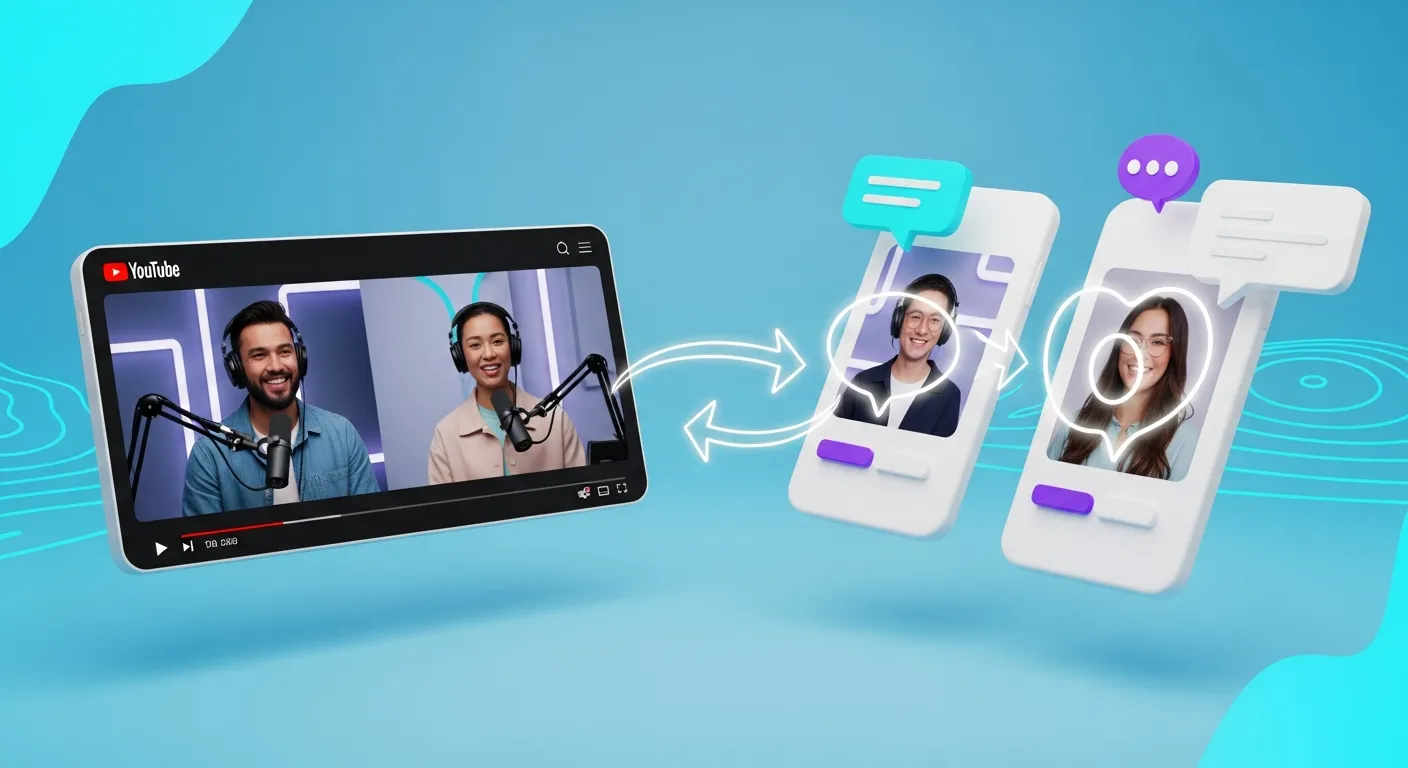
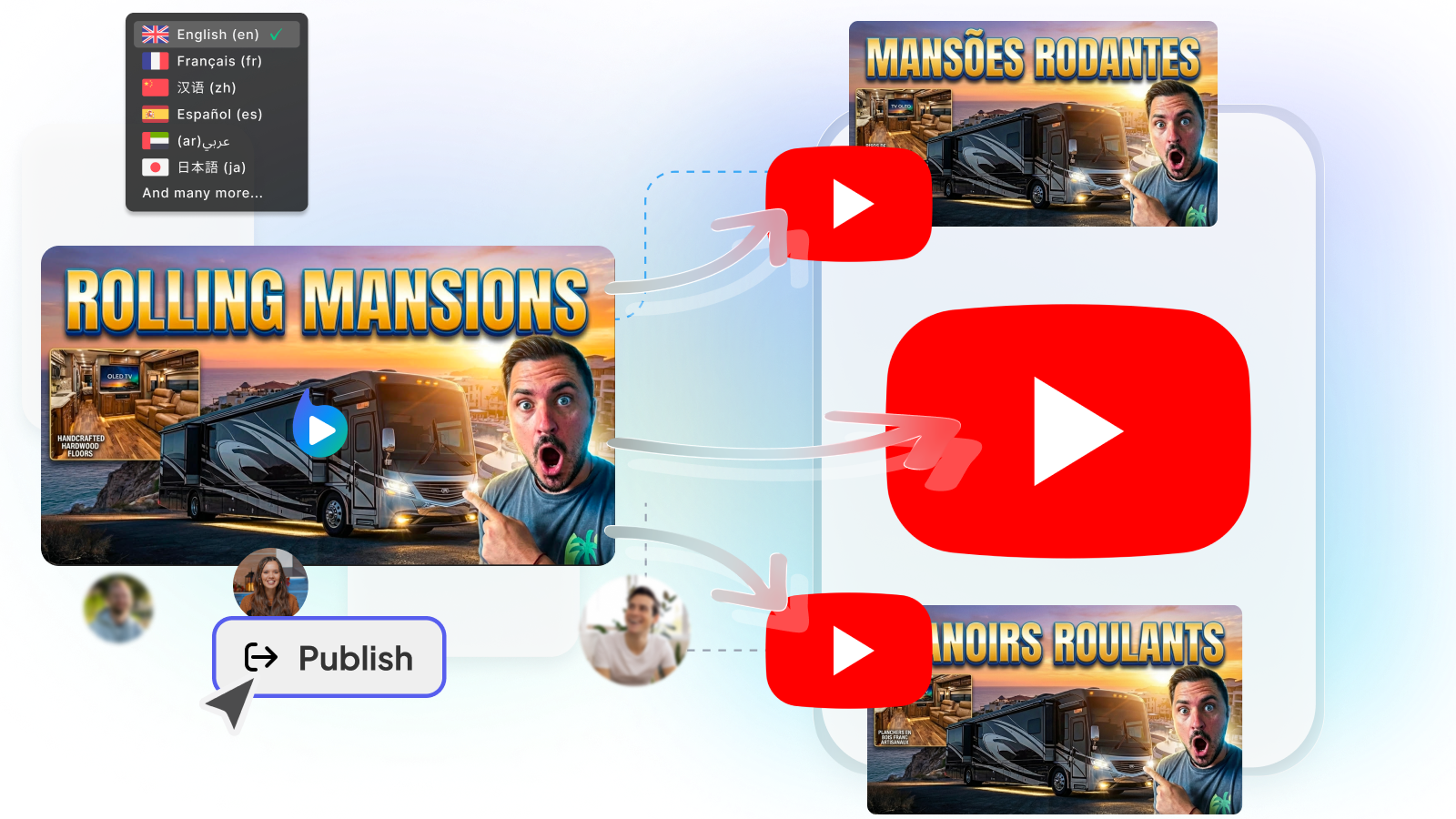
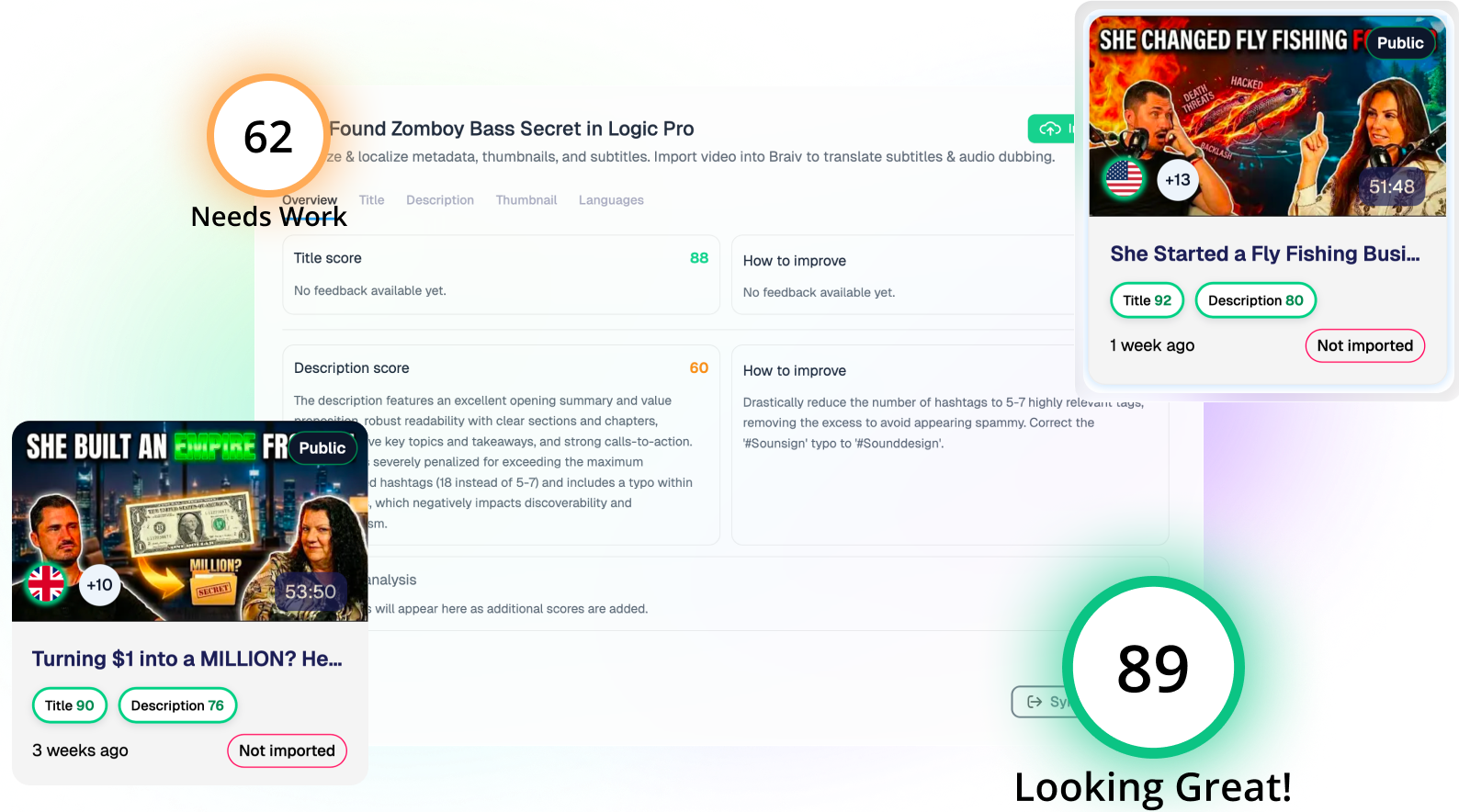
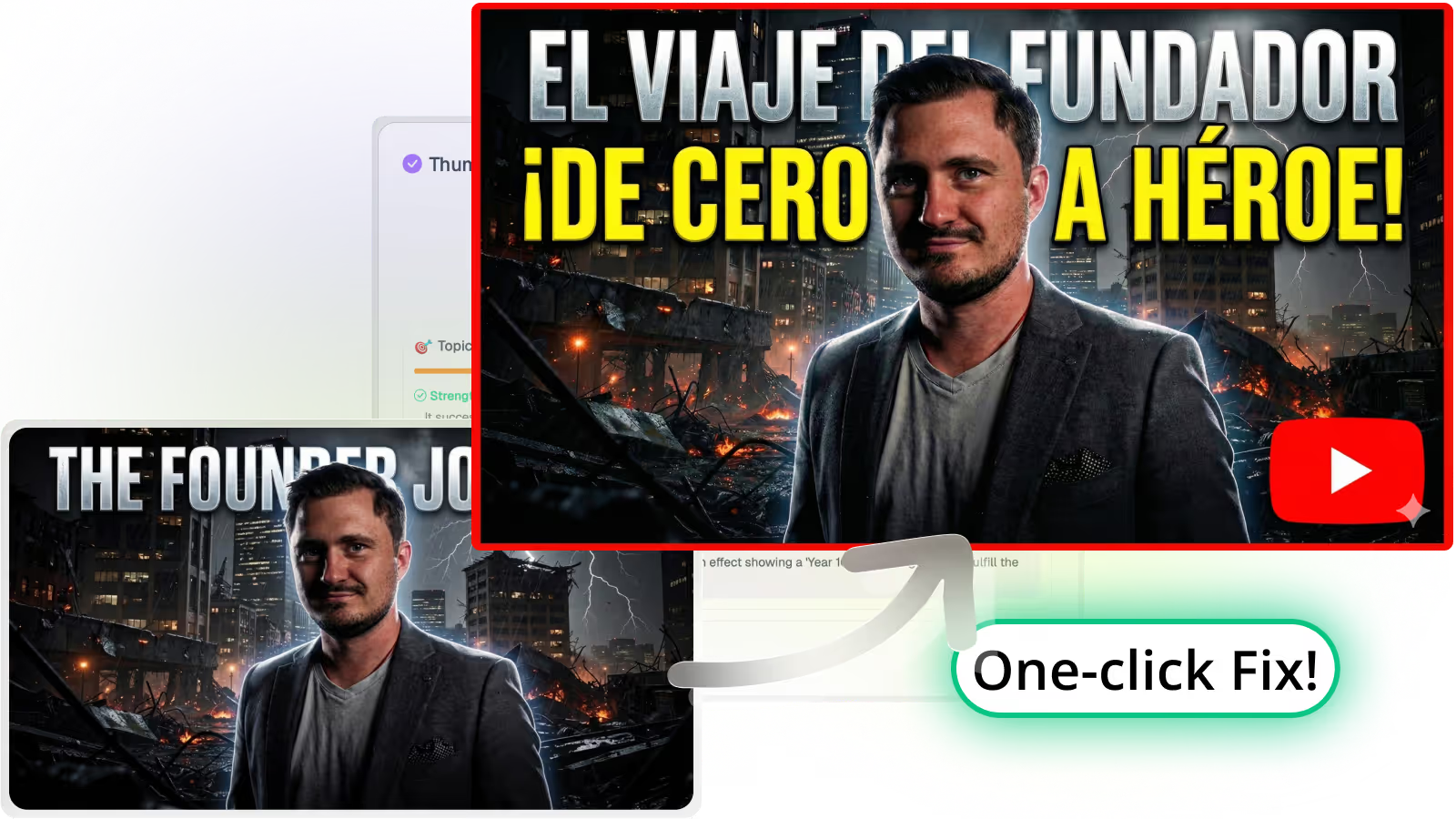
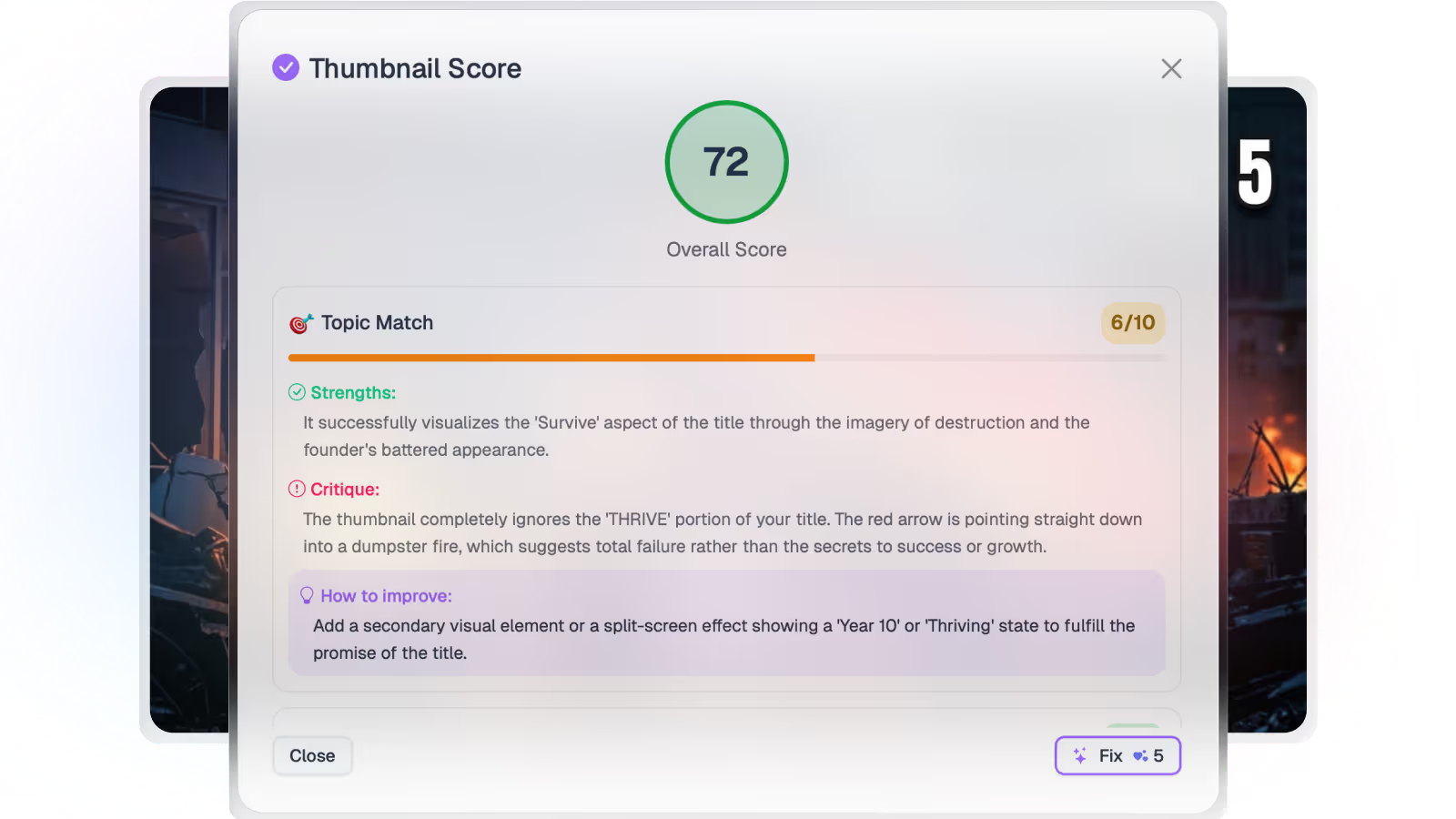
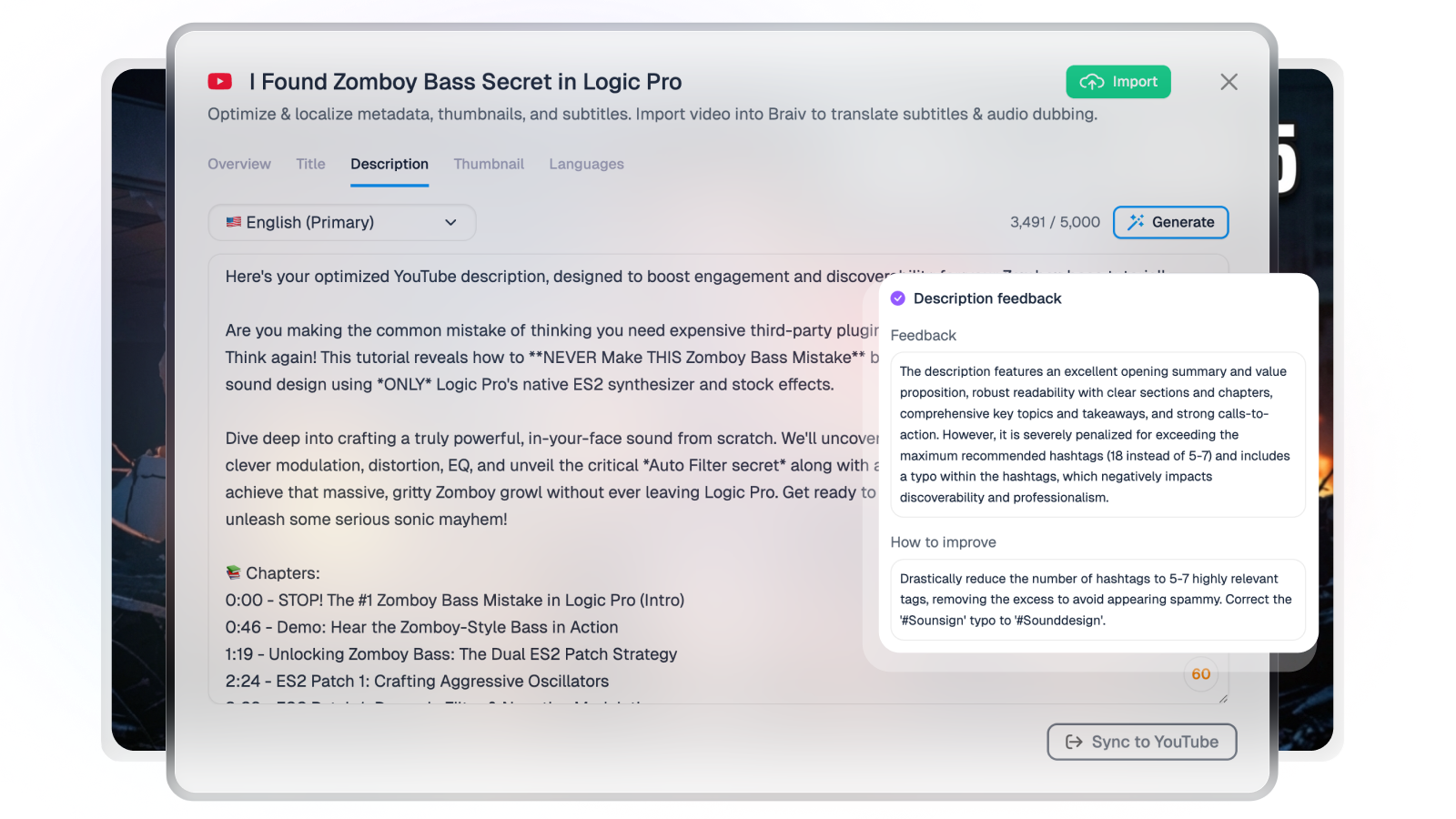
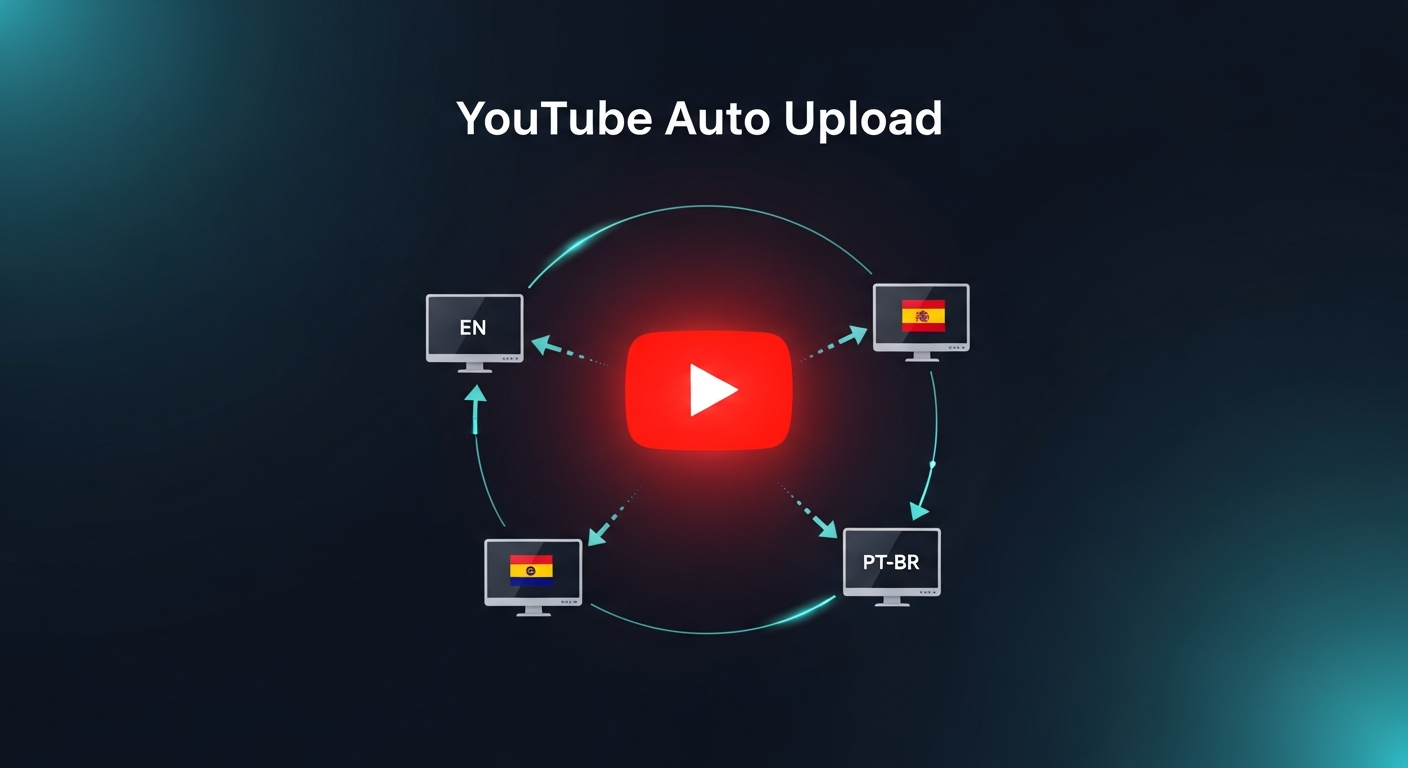
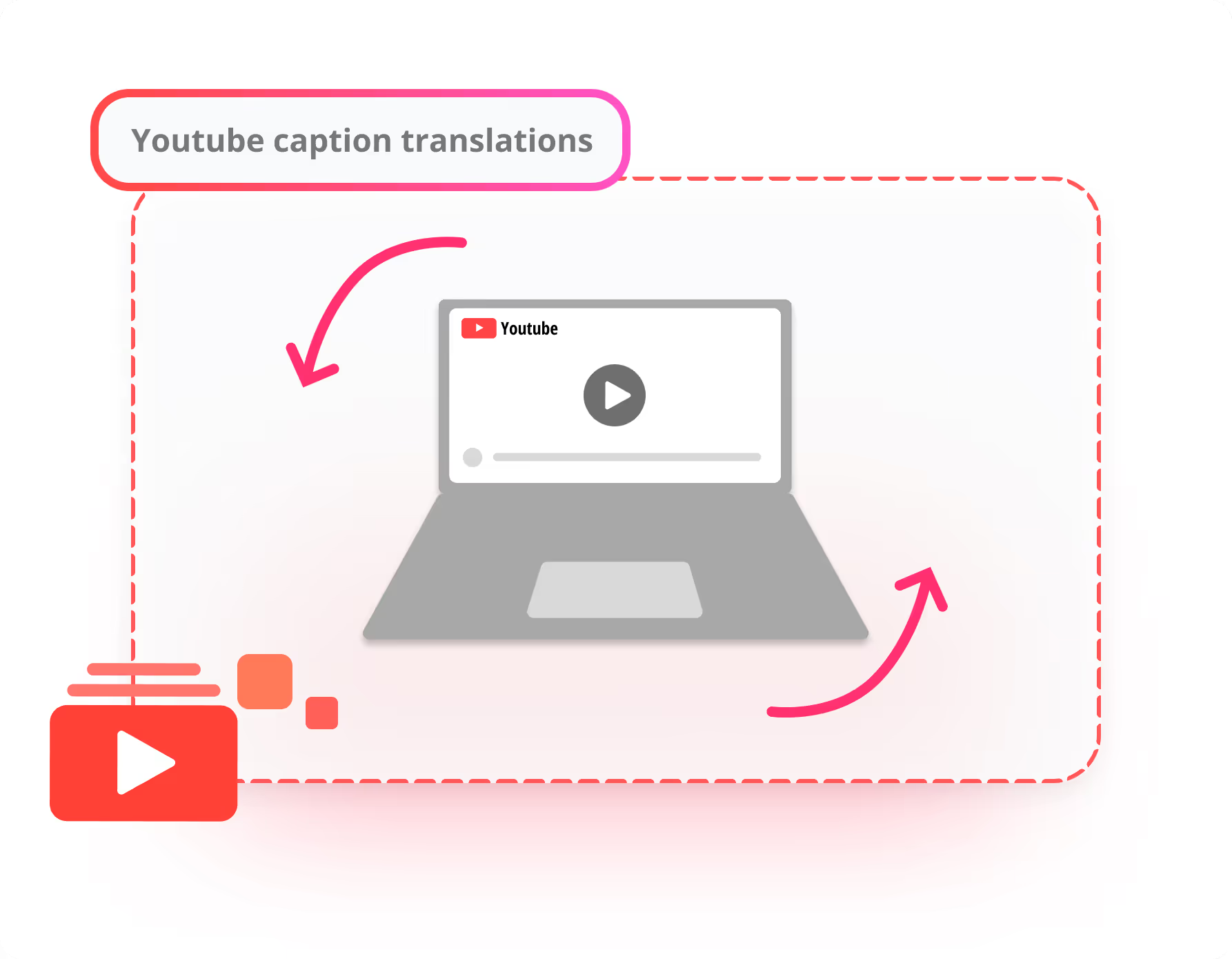
Add languages to YouTube videos
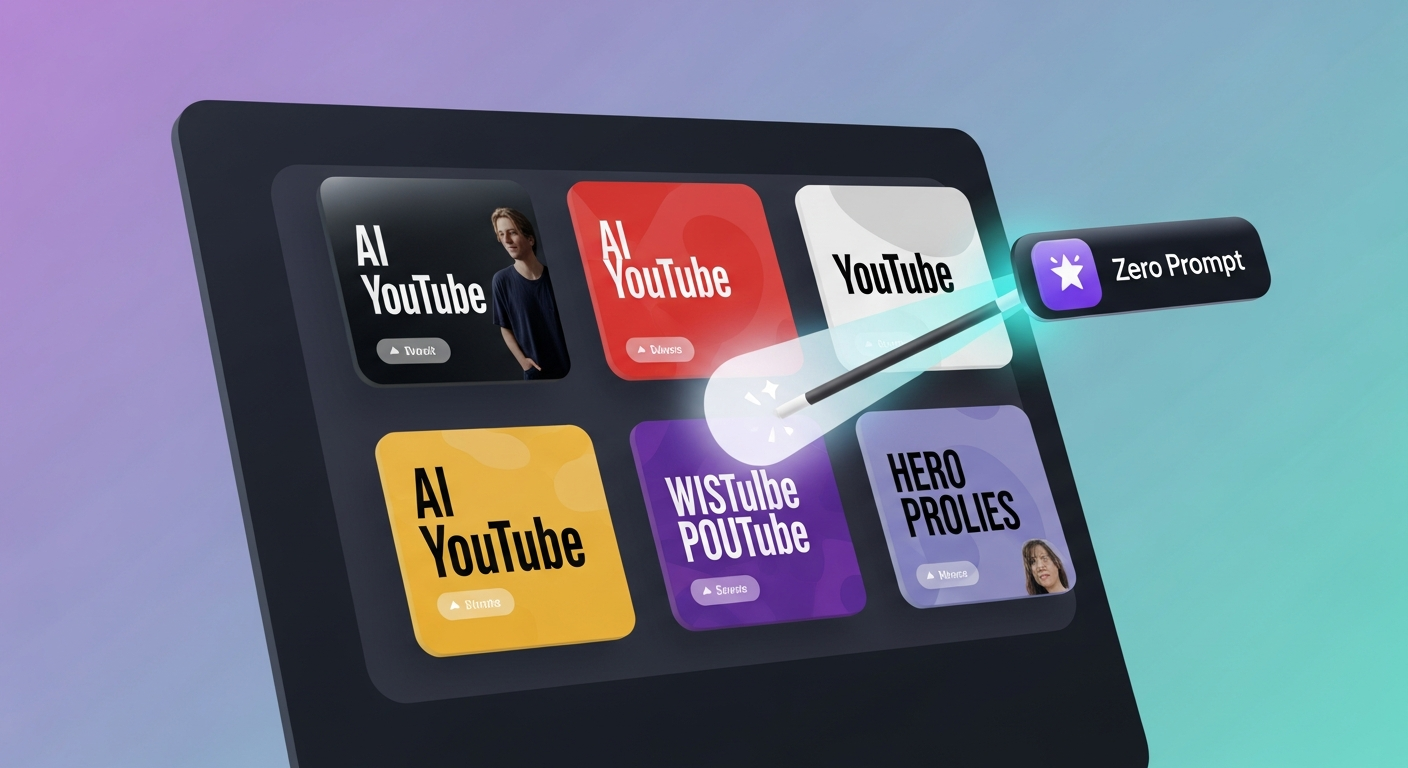
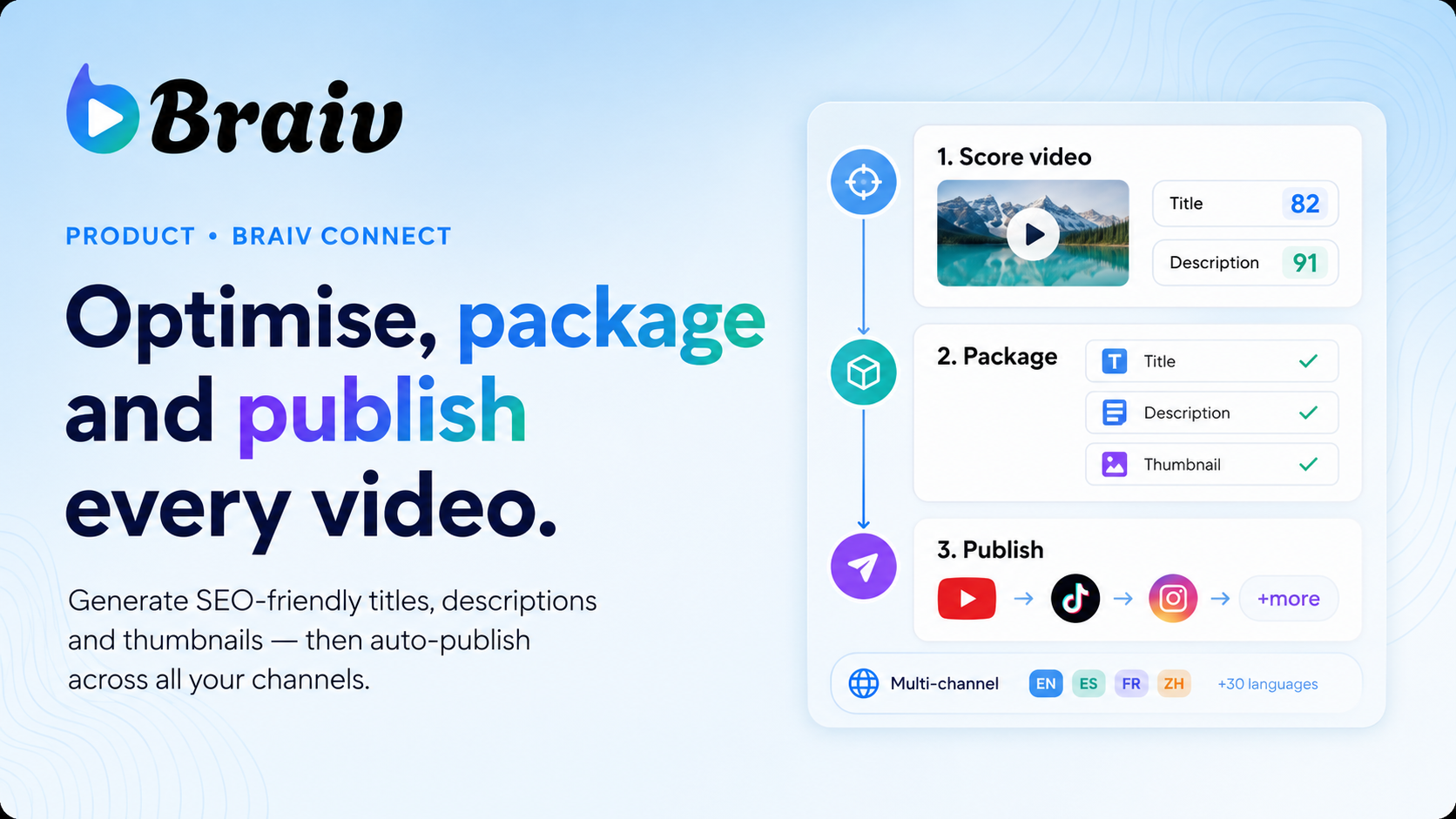
Auto translate titles, descriptions, and even thumbnails to make your videos discoverable in ANY language.
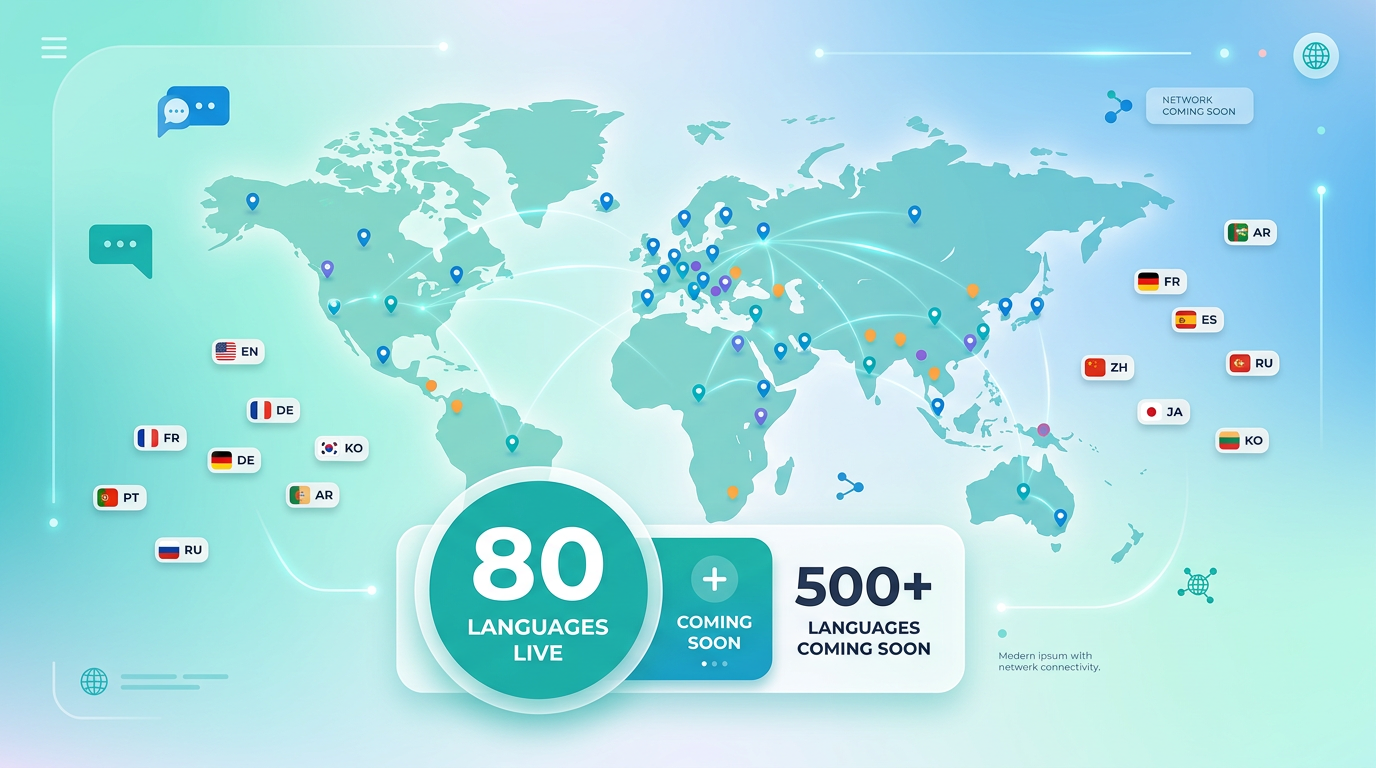
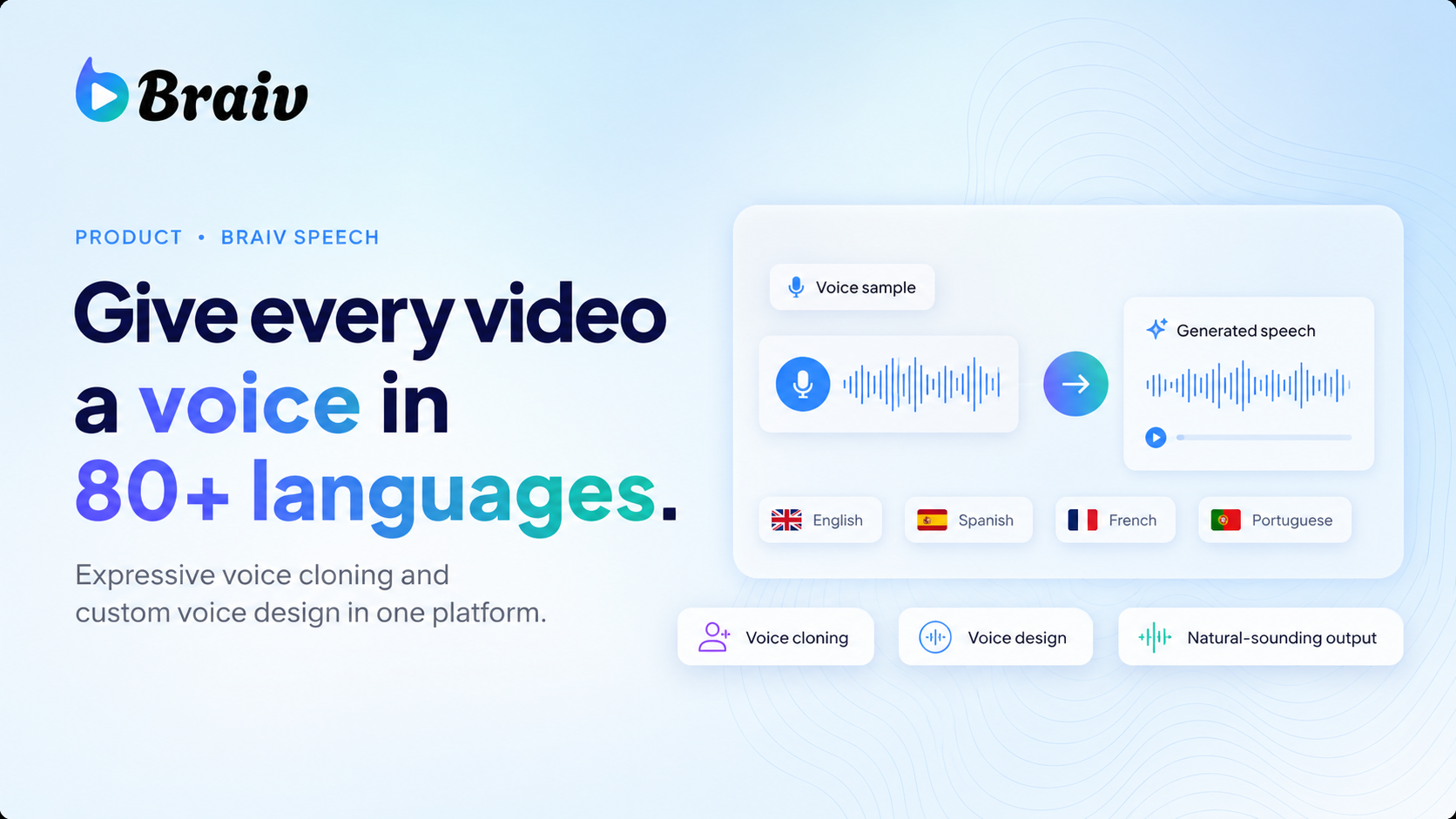
80 launch languages
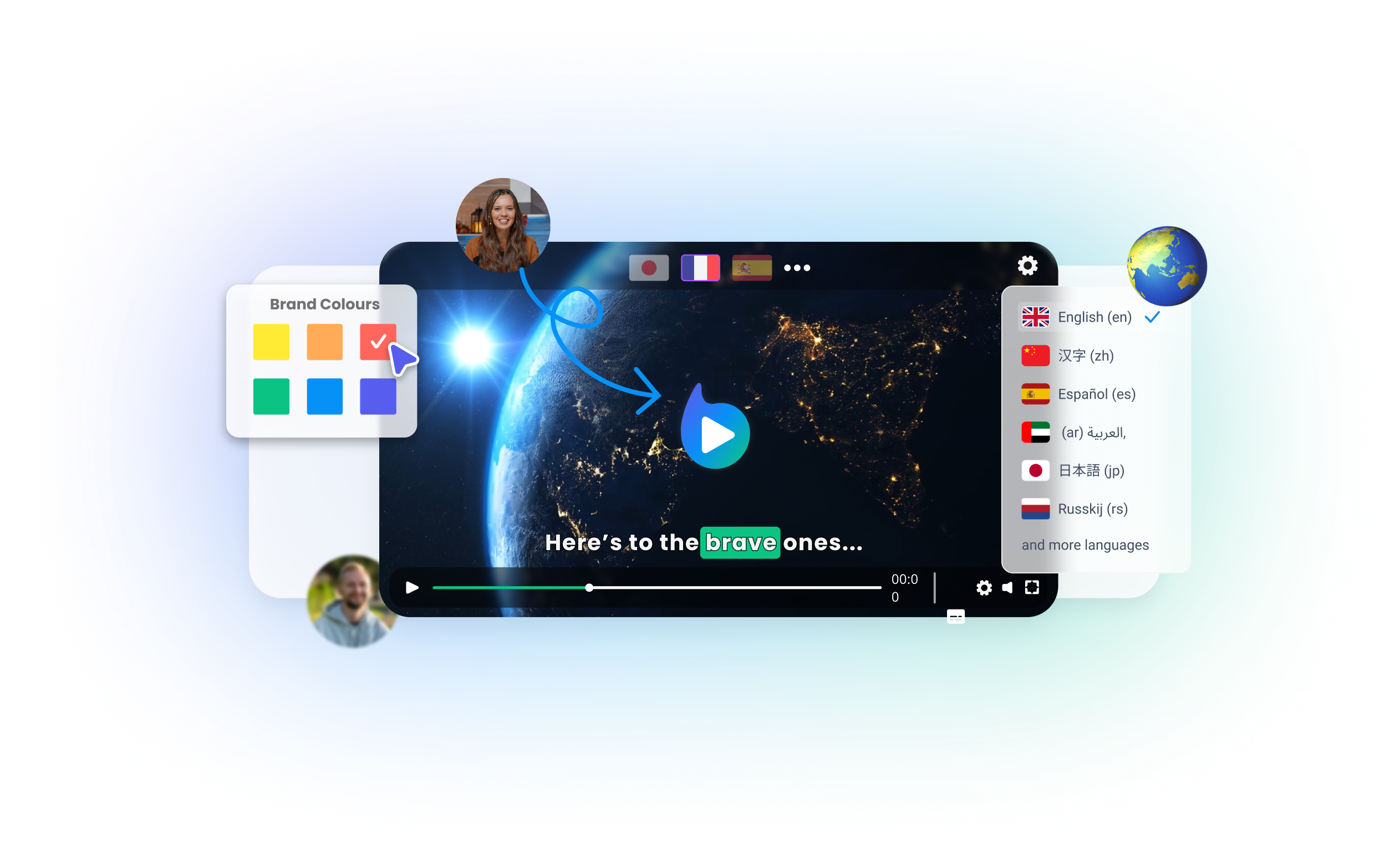
Braiv Speech Beta launches with 80 production-ready languages covering every major market, from English to Tagalog.
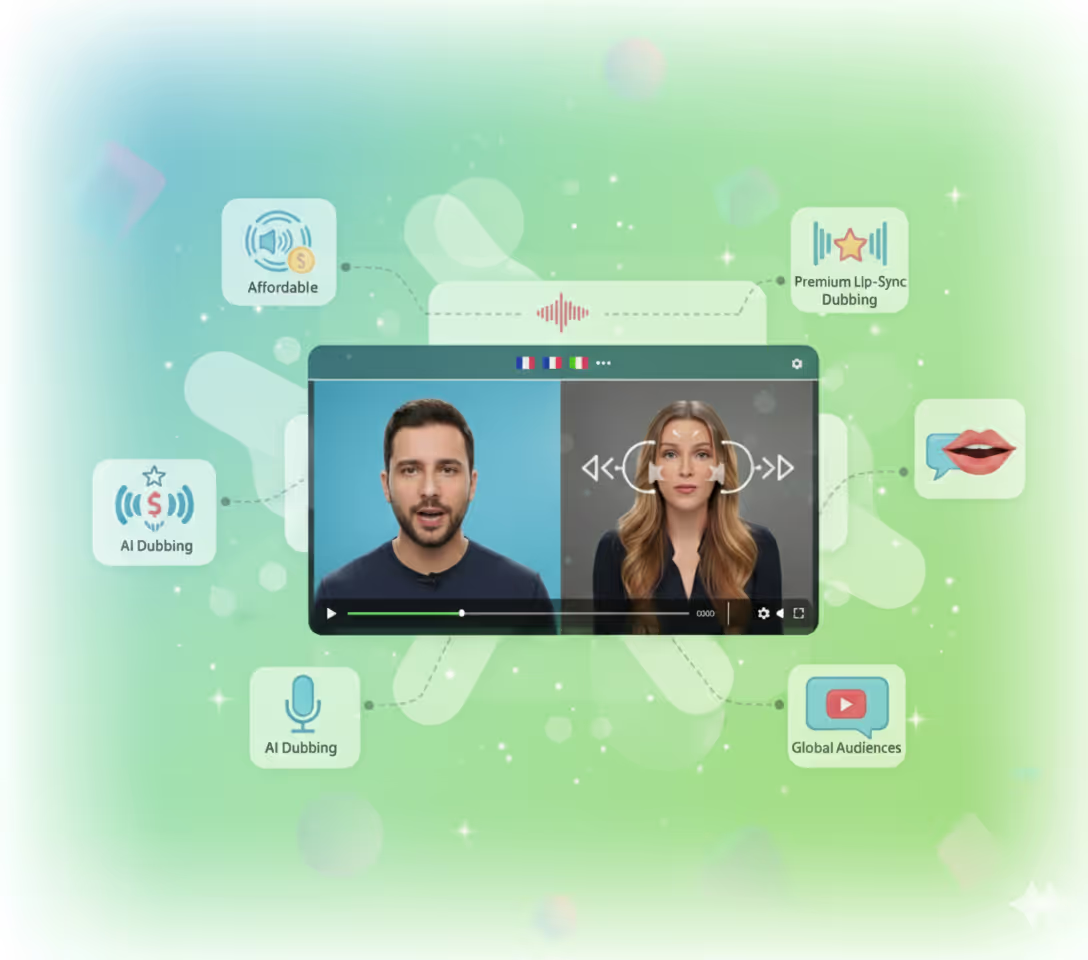
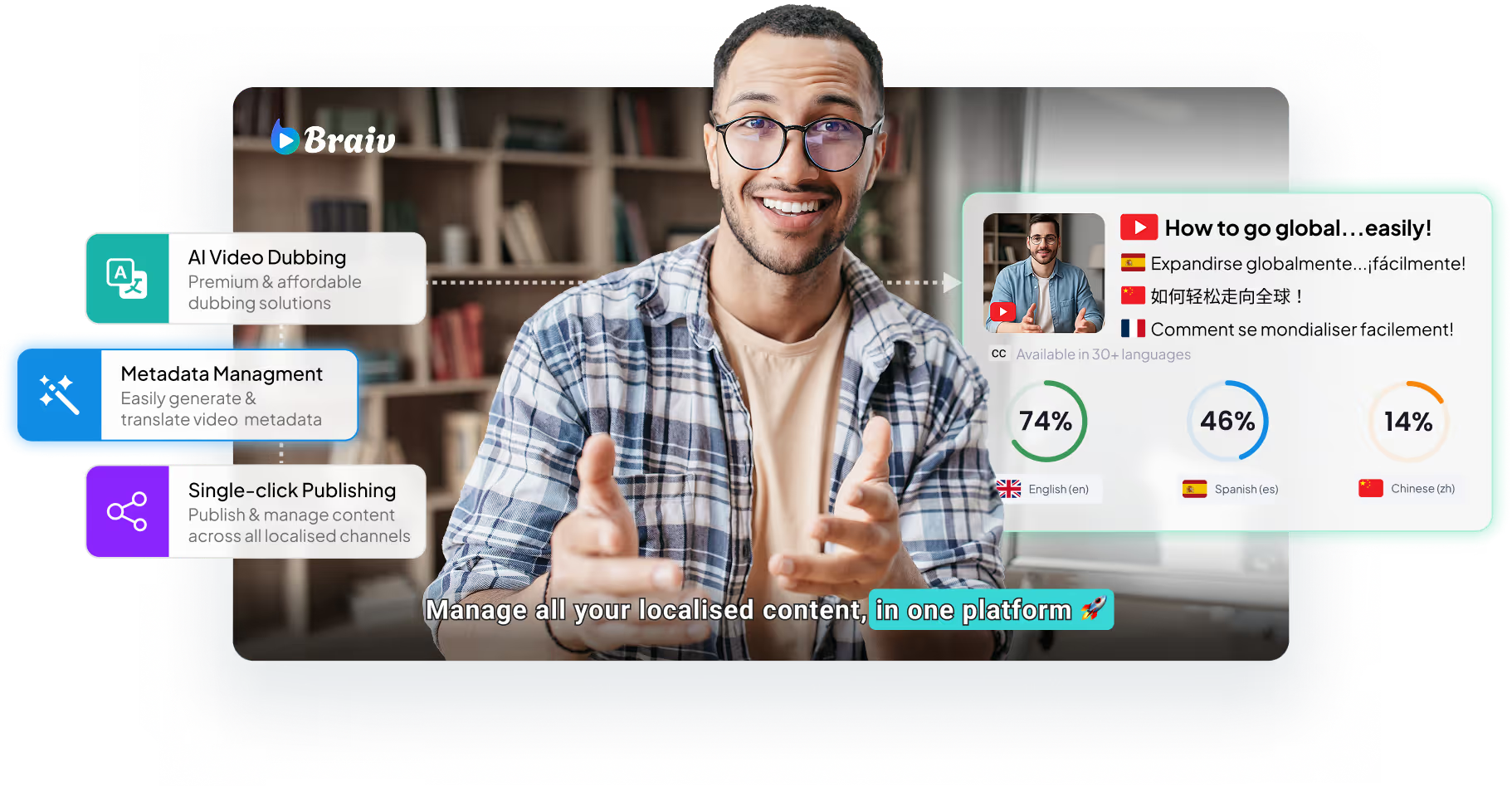
AI-powered video dubbing
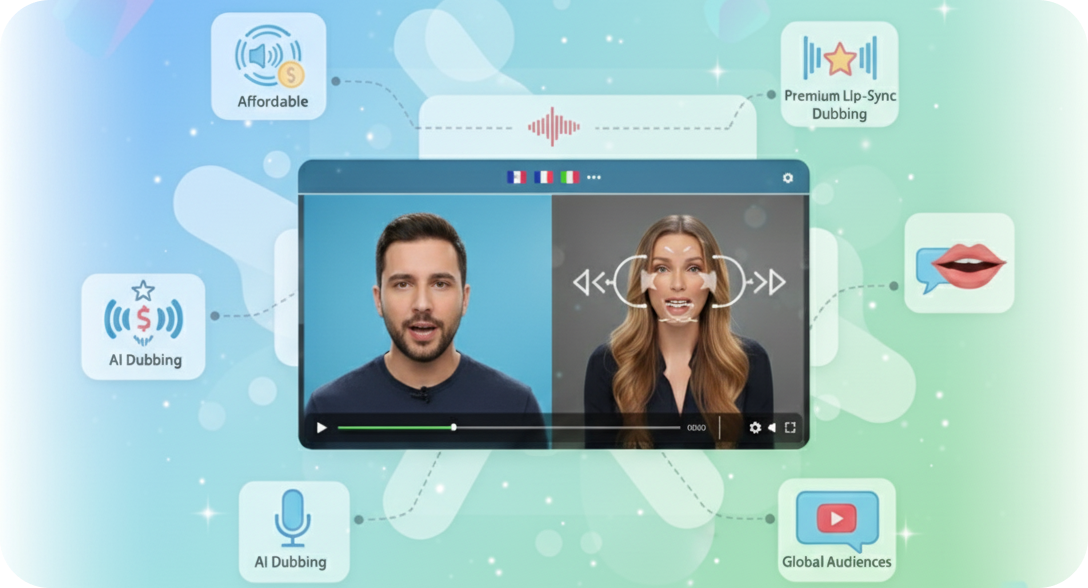
Transform your videos with AI-driven dubbing, creating engaging content that resonates with global audiences.
Parent Product

Available in Braiv Dubbing

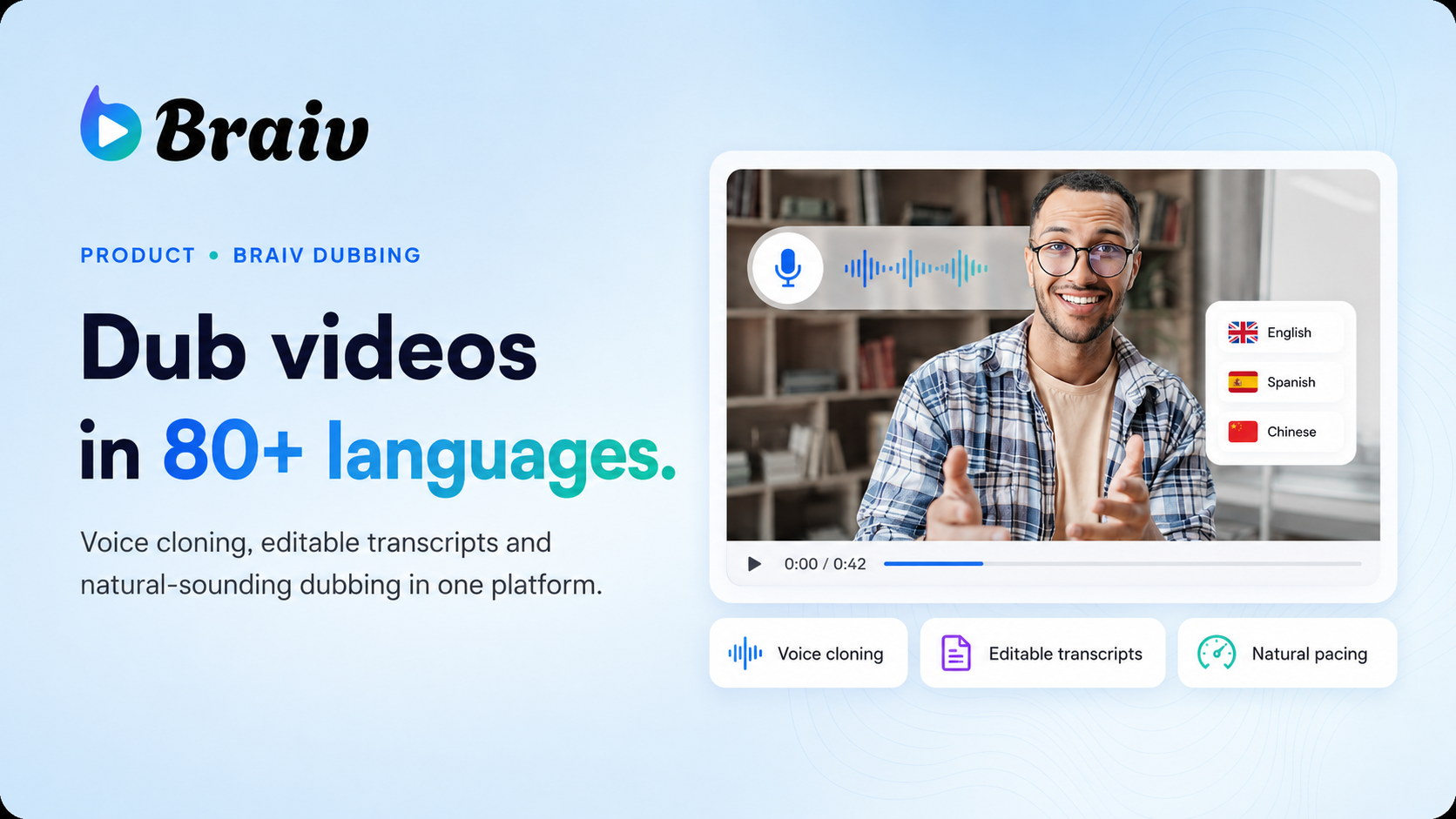
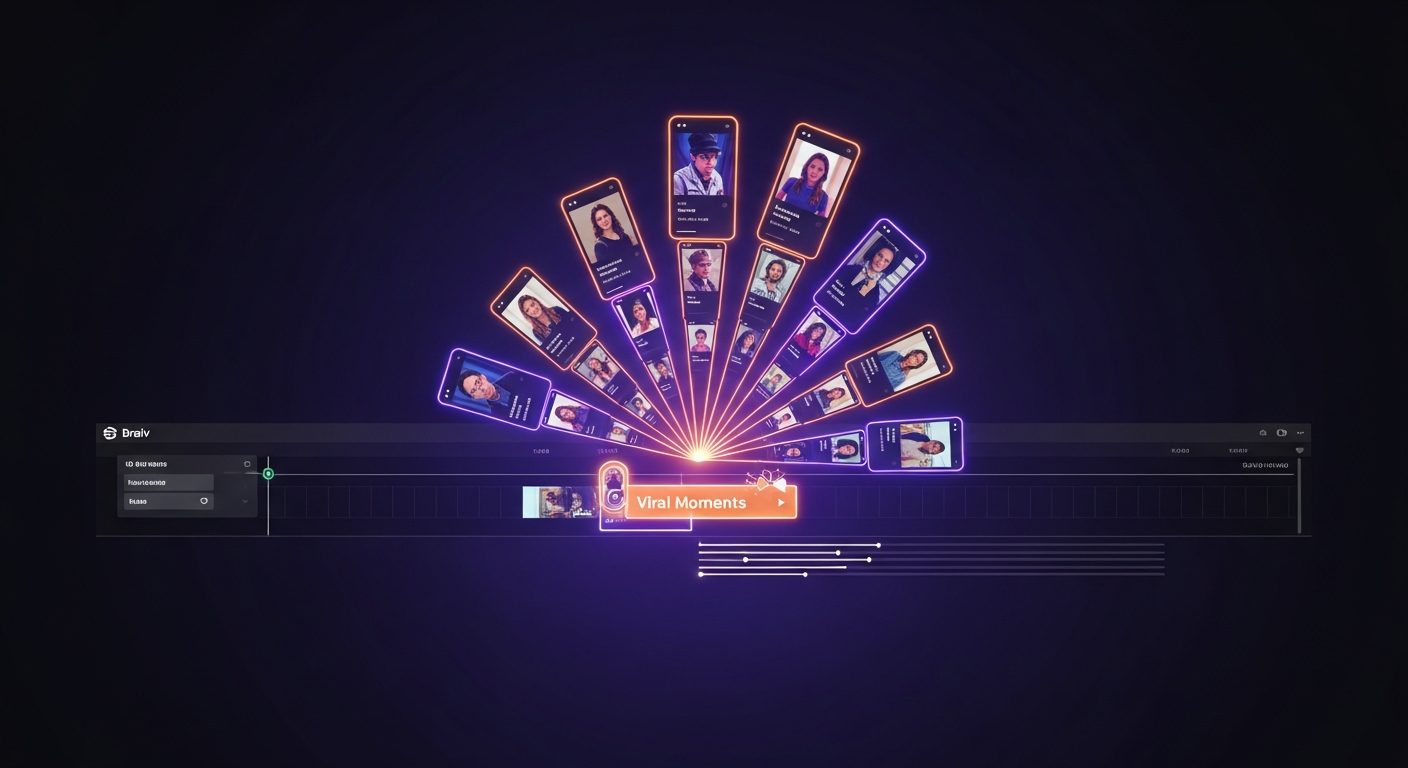
AI video dubbing software with voice cloning and editable transcripts for teams creating multilingual training, marketing, and creator videos.
Braiv Dubbing
All Features

Features Built for Global Impact

Discover how Braiv simplifies video localization and unlocks global accessibility to save you time, reduce costs, and expand your reach.

Ready to Take Your Content Global?

Join over 100,000 creators scaling their reach with Braiv.
Get 300 AI Credits when you sign up today.
Frequently asked questions
How many languages can I add to a single video?
With Braiv, you can choose from over 80 launch languages to dub your video into. There is no hard limit on the number of target languages you can add to your video library project.
Does adding languages preserve my original voice?
Yes, our advanced AI voice replication technology automatically clones your voice so that the dubbed translations sound natural and authentic, maintaining your unique speaker identity and tone across all target languages.
How does the pricing or credit usage work for multi-language translations?
We display the credit cost clearly on-screen before you translate. The translation credit cost is calculated based on the video duration and the number of target languages selected.
How do I download the translated audio or caption files?
Once processing is complete and the blue check mark appears, you can select any of your added languages from the lower right panel and instantly download the translated audio file or captions in SRT/VTT format.
Can I edit the generated translations after they are created?
Absolutely! You can easily edit transcripts, subtitles, and translation nuances inside our interactive studio, switching between Full View and side-by-side Split View before downloading or exporting.